EN
EN DE
DE ES
ES FR
FR NL
NL PT
PT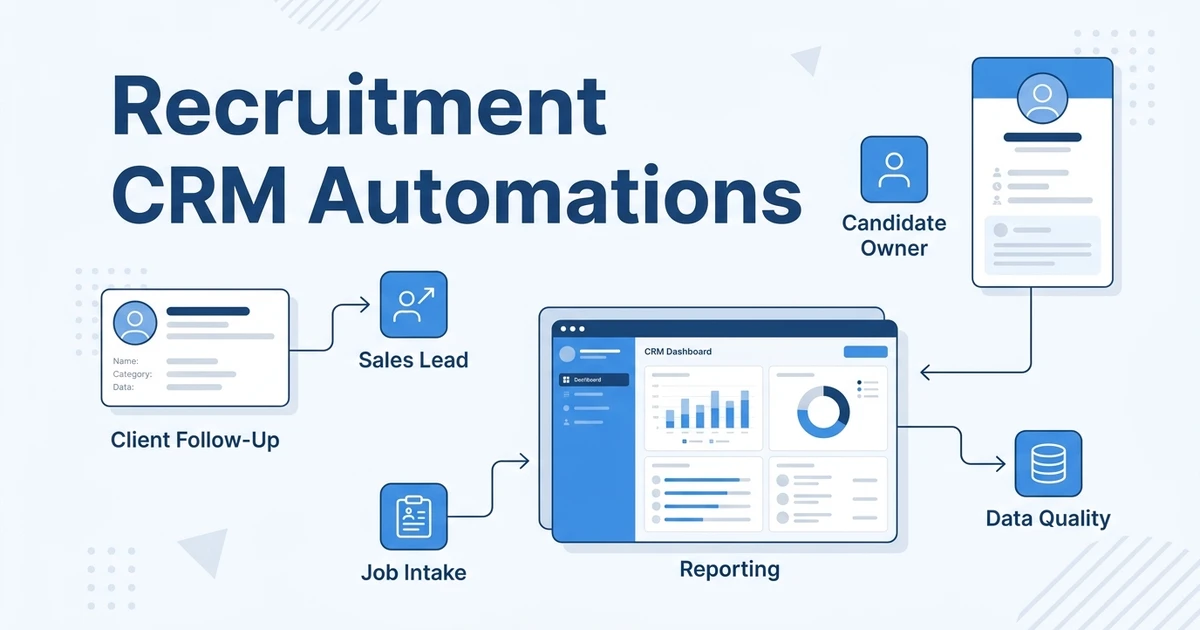




Quick Answer: Recruitment CRM automations help agencies protect the revenue side of recruiting: client follow-ups, job intake, candidate ownership, submissions, sales activity, reporting, and data quality. The goal is not to automate every recruiter action, but to make important handoffs visible before they stall.
A recruitment CRM is not only a contact database. For an agency, it is where candidate relationships, client conversations, job orders, submissions, interviews, deals, placements, invoices, and future opportunities connect.
That is why CRM automation should be judged by business impact, not by how many workflows the team can build.
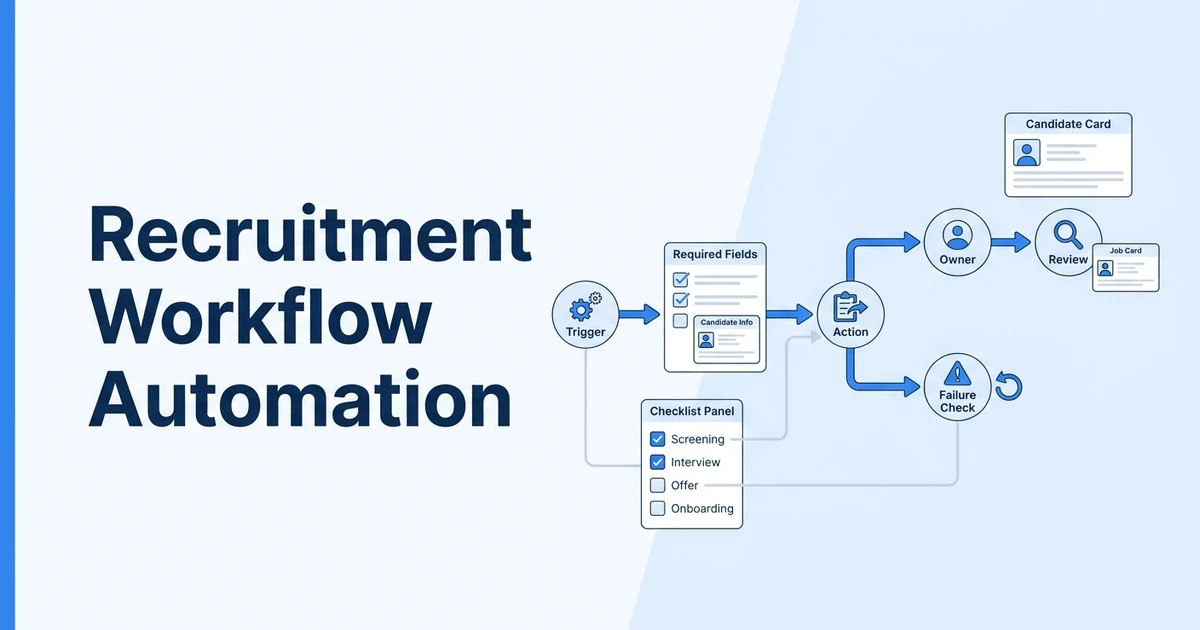
If you want a product-level explanation of triggers and actions, start with workflow automation in ATZ CRM. This guide focuses on CRM automations that help agency owners, recruiters, account managers, and operations leaders keep the desk healthier.
ATZ CRM is built for this unified agency workflow: ATS records, CRM records, client activity, job orders, candidate communication, reporting, AI matching, and workflow automation live in one platform. That matters because recruitment CRM automation works best when sales and delivery data are connected instead of split across separate systems.
Where Recruitment CRM Automations Create Value
The best recruitment CRM automations protect three parts of the agency:
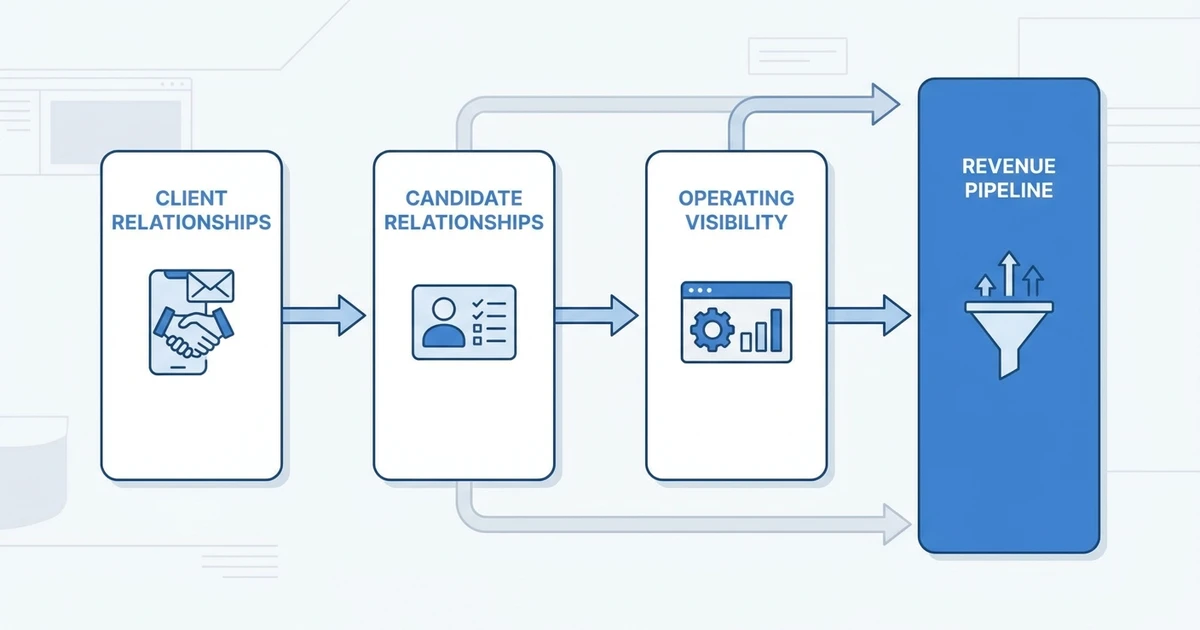
| Agency area | Automation should protect |
|---|---|
| Client relationships | Follow-up, feedback, job intake, account ownership, and deal movement |
| Candidate relationships | Ownership, reactivation, communication status, and submission readiness |
| Operating visibility | Clean fields, pipeline reporting, revenue tracking, and manager coaching |
American Staffing Association guidance describes staffing performance as a chain where candidate conversations lead to submissions, submissions lead to interviews, interviews lead to starts, and starts create gross profit American Staffing Association KPI guidance. CRM automation should make that chain easier to see and manage.
SHRM’s 2025 Talent Trends research also shows AI adoption in HR tasks rose to 43% in 2025 from 26% in 2024 SHRM 2025 Talent Trends research. Agencies can use that momentum well only when CRM data is clean enough for automation and AI to trust.
Client Feedback Reminder Automation
Client feedback delays are one of the quietest revenue leaks in agency recruiting.
When a candidate is submitted, the CRM should know who owns the client, when the submission happened, and when feedback is due. If no feedback is logged by that date, an automation can create an account manager task.
Use this automation when:
- Clients often go quiet after submissions.
- Candidates lose interest while waiting.
- Account managers rely on inbox reminders.
- Managers need better visibility into stalled roles.
The reminder should include candidate name, client, job, submission date, owner, and link back to the record.
Do not auto-send a client message in every case. Some clients need different timing. The safest first version creates a task for the account manager.
Job Intake Completion Automation
Recruiters cannot source well from vague jobs.
A job intake automation creates a task when a new job is missing fields such as salary range, work model, location, must-have skills, interview process, submission format, or deal priority.
This helps sales and delivery stay aligned. The recruiter does not have to chase missing details after starting the search, and the account manager gets a clear checklist before the job becomes noisy.
Good required fields include:
- Client and contact owner
- Salary or pay range
- Location and work model
- Must-have skills
- Deal breakers
- Interview process
- Submission expectations
- Target start date
If your team loses time because job, client, and candidate data live in different places, review ATZ CRM’s recruitment CRM to connect client follow-up, candidate delivery, and reporting in one workspace.
Candidate Ownership Alert
Candidate ownership gets messy when several recruiters touch the same database.
A CRM automation can notify the right owner when a candidate is assigned, reassigned, submitted, reactivated, or marked as high priority. This protects accountability without requiring a manager to ask for updates.
The alert should be narrow. A useful owner alert says:
| Field | Example |
|---|---|
| Event | Candidate reassigned |
| Owner | Recruiter responsible for next step |
| Job or client | Linked context |
| Next action | Review, call, submit, nurture, or update |
| Due date | When action is expected |
If every minor candidate change sends an alert, recruiters will stop reading. Only automate the ownership moments that change what someone needs to do.
Sales Lead Follow-Up Automation
Recruitment agencies often focus automation on candidates and forget business development.
A recruitment CRM can also automate reminders for prospects, client contacts, dormant accounts, open deals, and warm leads. When a sales lead reaches a defined stage or has no activity after a set period, the CRM can create a task for the account owner.
Use this for:
- New prospect follow-up
- Proposal follow-up
- Dormant client reactivation
- Hiring signal follow-up
- Lost deal review
- Renewal or retainer conversations
The automation should not write the relationship for the account manager. It should make sure the relationship does not disappear.
Submission Readiness Automation
Client submissions often fail because the candidate summary is thin, incomplete, or inconsistent.
A submission readiness automation checks whether the candidate record has the information an account manager needs before sending the profile to a client.
Useful checks include:
- Updated resume attached
- Current or target role
- Location and work authorization
- Availability
- Compensation expectations
- Relevant skills
- Recruiter summary
- Screening notes
The automation can create a task, update a field, or ask AI to draft a structured summary. The recruiter should still review the final submission before anything goes to the client.
In ATZ CRM, agencies can combine candidate records, notes, AI matching, summaries, and workflow tasks so submission readiness is visible before an account manager sends a profile. That gives teams a cleaner way to standardize submissions without removing recruiter judgment.
Candidate Reactivation Automation
Old records can become new revenue, but only when reactivation is targeted.
A candidate reactivation automation can create a shortlist when a candidate has been inactive for a set period and still matches active job demand. The workflow should consider tags, skills, location, past submissions, placement history, and consent status.
Do not re-engage the whole database. Start with candidates who have strong historical signals:
- Previously placed candidates
- Final-stage candidates not selected
- Candidates with high-demand skills
- Candidates tagged for future roles
- Candidates with positive recruiter notes
This is where AI candidate matching can support CRM automation by surfacing relevant profiles from existing data.
Data Hygiene Automation
Data hygiene sounds boring until reporting, AI matching, and client follow-up start breaking.
A recruitment CRM automation can create tasks or alerts when important records are incomplete. This keeps the database usable without forcing managers to manually inspect everything.
Examples:
- Candidate missing resume
- Job missing salary or location
- Contact missing company
- Deal missing next action
- Candidate missing source
- Record missing owner
- Duplicate record suspected
Keep data hygiene rules selective. If the CRM creates too many cleanup tasks, recruiters will treat them like background noise.
Reporting Update Automation
Agency leaders need reporting that reflects real movement, not manually rebuilt spreadsheets.
CRM automation can update reporting fields when candidates move through submission, interview, offer, placement, start, or rejection stages. It can also help managers track client feedback delays, source quality, recruiter activity, and revenue movement.
Useful reporting views include:
| Report view | What it helps leaders see |
|---|---|
| Submission movement | Which clients and roles are advancing |
| Interview conversion | Where shortlists turn into interviews |
| Feedback delay | Which clients slow down placements |
| Source quality | Which channels produce usable candidates |
| Revenue pipeline | Which deals are likely to close |
The CRM should remain the source of truth. Reporting automation should reduce cleanup, not create another place where recruiters have to update the same information.
Automations by Agency Role
Different roles need different automation.
Recruiters need candidate ownership, screening, follow-up, and submission support.
Account managers need job intake, client feedback, proposal follow-up, and account health reminders.
Operations leaders need data hygiene, stage consistency, reporting updates, and duplicate record control.
Founders need pipeline visibility, revenue risk signals, and follow-up discipline across both candidates and clients.
That separation matters. A workflow that helps the founder may annoy a recruiter if it creates tasks without context.
Frequently Asked Questions
What is recruitment CRM automation?
Recruitment CRM automation uses rules, reminders, alerts, sequences, field updates, and reporting triggers to keep agency relationship work moving. It helps teams manage candidates, clients, jobs, submissions, deals, and follow-ups without relying only on memory.
Which recruitment CRM automations should agencies build first?
Start with client feedback reminders, job intake completion tasks, candidate ownership alerts, sales follow-up reminders, and data hygiene checks. These protect revenue visibility without forcing the team into a heavy process.
How is recruitment CRM automation different from workflow automation?
Workflow automation is the technical trigger-action system. Recruitment CRM automation is the agency use case: client relationships, candidate ownership, job orders, sales pipeline, submissions, placements, and reporting.
Can CRM automation improve client relationships?
Yes. CRM automation can create timely feedback reminders, follow-up tasks, proposal reminders, and account reactivation prompts. The account manager still owns the relationship, but the CRM makes sure important touchpoints are visible.
Can ATZ CRM automate both ATS and CRM work?
Yes. ATZ CRM connects ATS and CRM records, so agencies can automate candidate, job, client, communication, reporting, and AI matching workflows without splitting delivery and sales context across disconnected systems.
Final Thoughts
Recruitment CRM automations should make agency work easier to manage, not heavier to operate.
Start with the handoffs that affect revenue: job intake, client feedback, candidate ownership, sales follow-up, submission readiness, reactivation, data hygiene, and reporting.
Ready to connect sales and delivery workflows? Explore ATZ CRM workflow automation or review the applicant tracking system to see how candidate and job data can support cleaner agency execution.