
What Boolean Search Does
Boolean search lets you use keyword operators to refine results. It is useful when searching resumes, notes, profile fields, job data, and other searchable content.
You can use Boolean search for:
- Candidates
- Contacts
- Organizations
- Deals
- Jobs
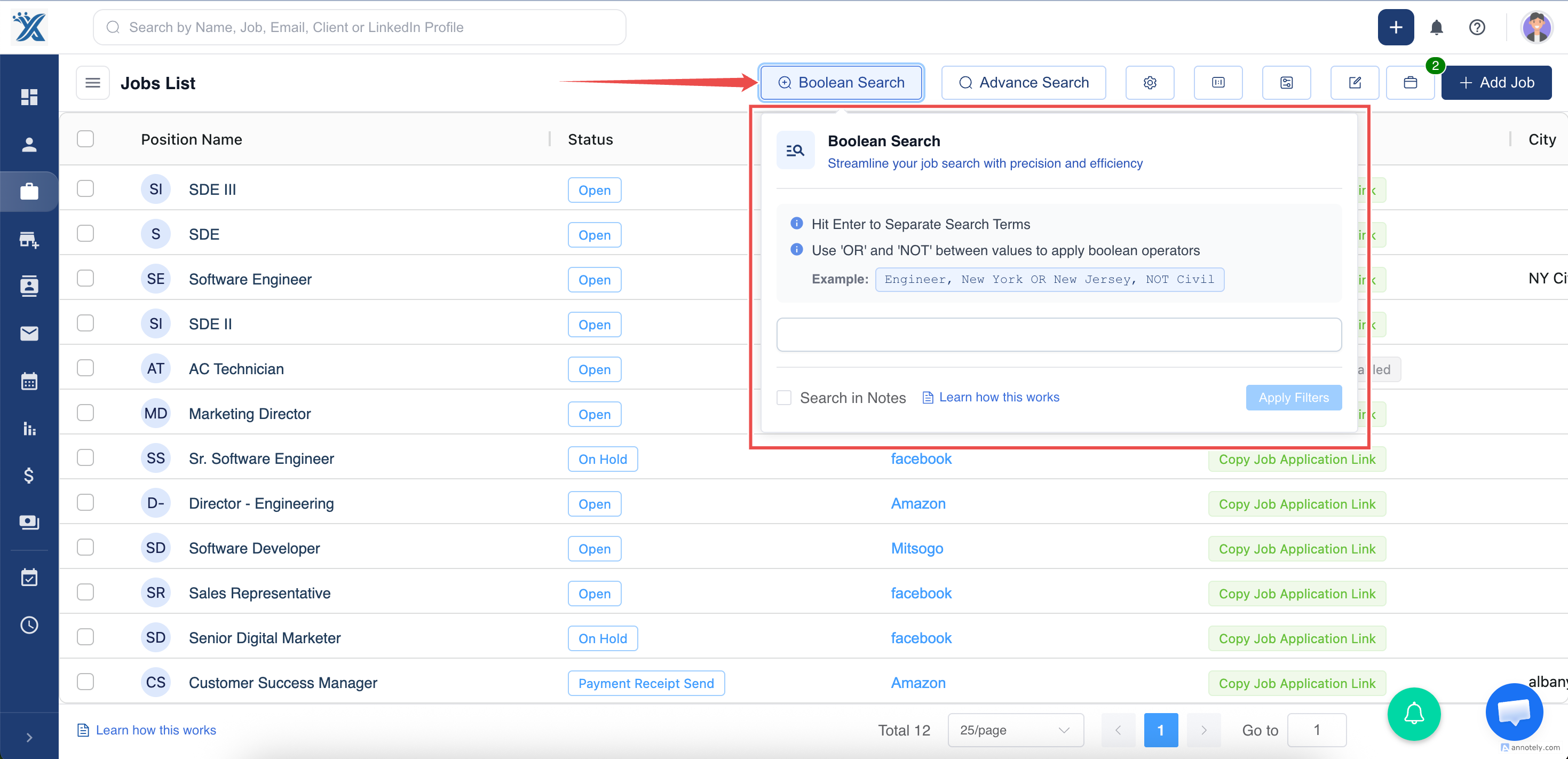
Step 1: Open Boolean Search
Select Boolean Search from the top search area.
Step 2: Enter a Search Query
Use operators to control what records should match.
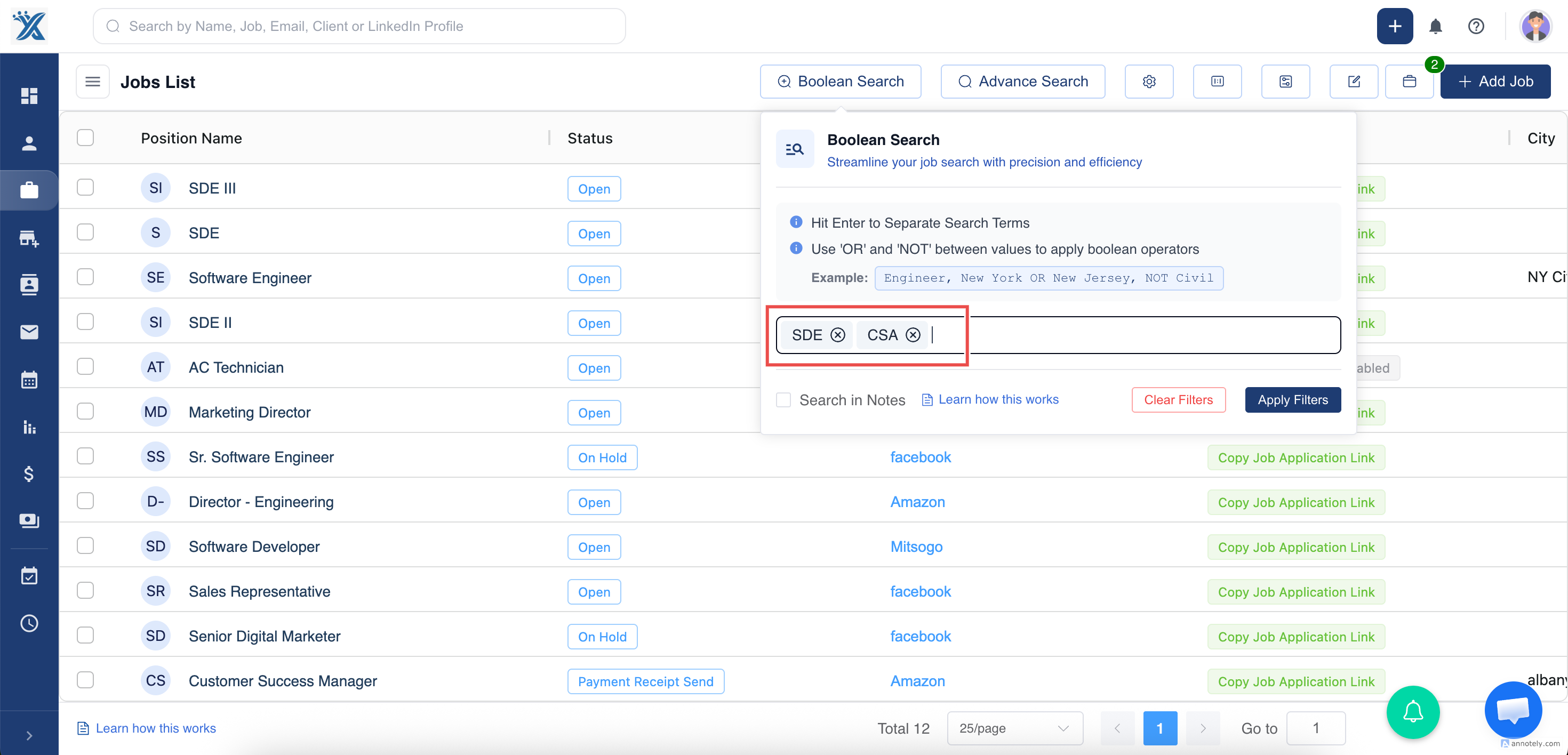
AND
Use AND when results must include both terms. The source guide notes that AND is applied by default when you press enter after adding keywords.
Example: Rishita AND Student
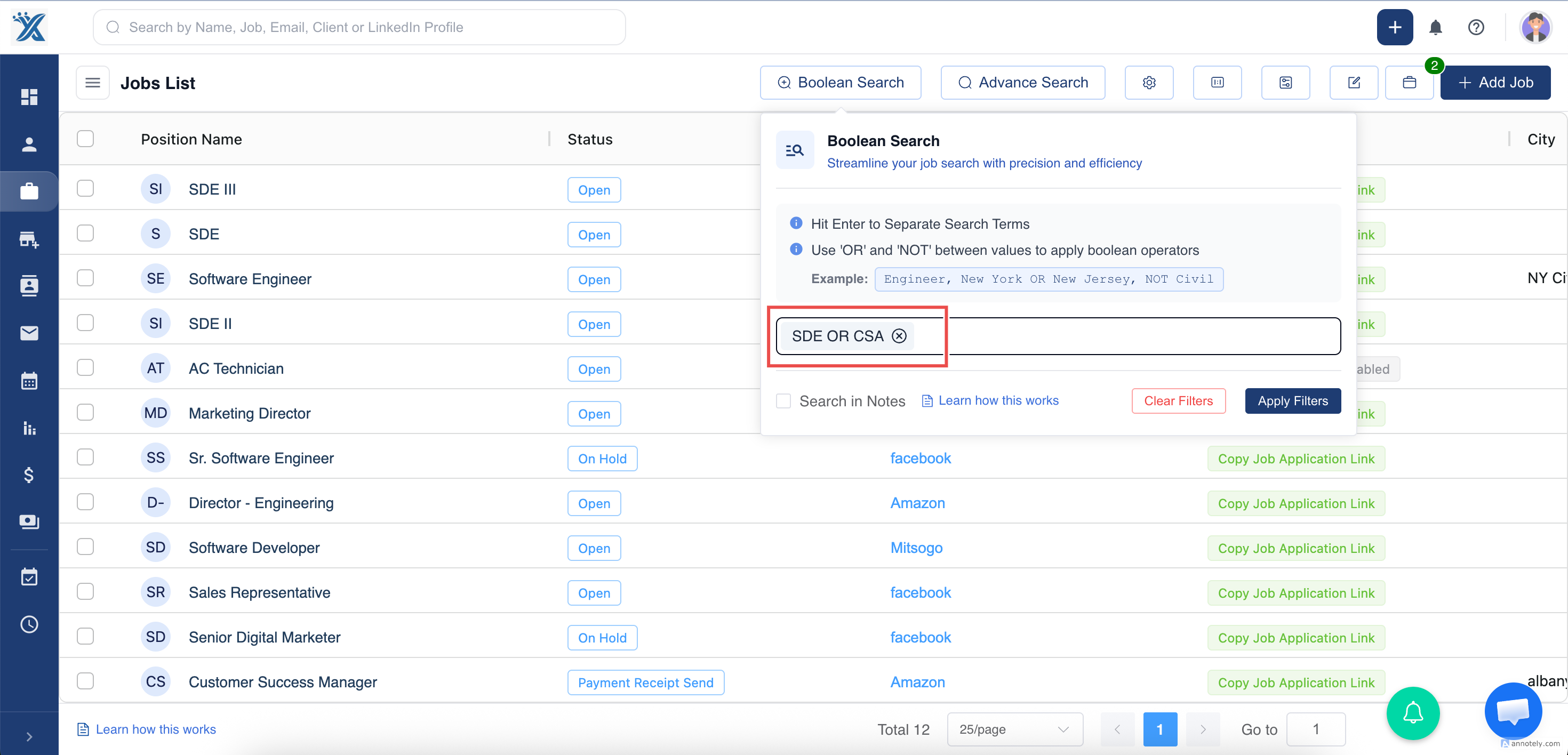
OR
Use OR when results can include either term.
Example: Student OR Teacher
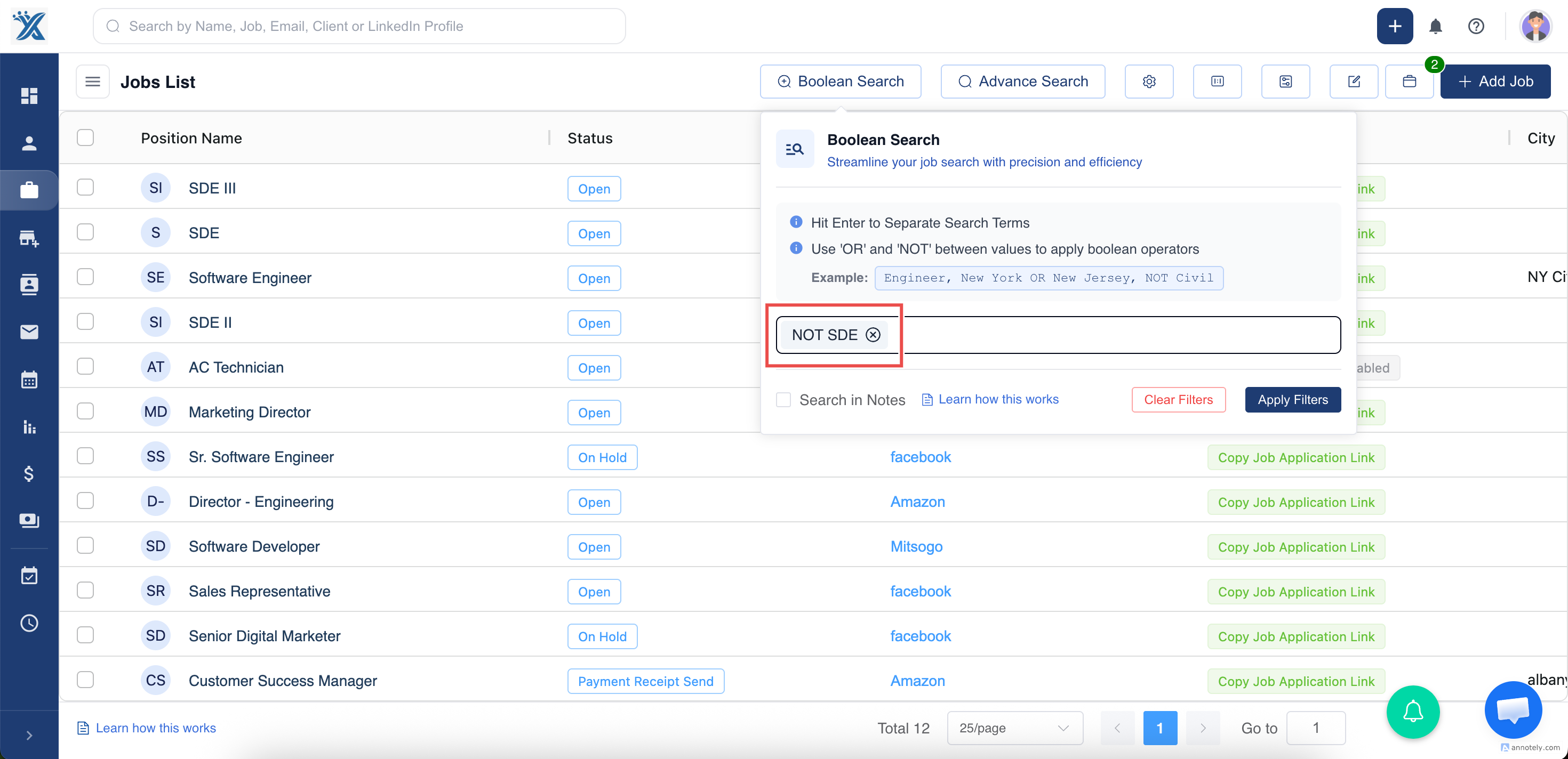
NOT
Use NOT to exclude a term.
Example: senior NOT student
Note: When you choose Search in Notes, the query applies specifically to notes for the records you are reviewing.
Step 3: Apply Filters
Select Apply Filters to run the Boolean search.
Step 4: Review Results
Review the results and adjust the query if needed.
Use Cases
Resume Keyword Search
Find candidates with specific skills, tools, certifications, or role keywords.
Exclusion Searches
Use NOT to remove unwanted terms from the result set.
Broad Talent Discovery
Use OR when several related titles, skills, or synonyms can match your search.
Troubleshooting
Too Many Results
Add AND terms or use Advanced Search filters.
Too Few Results
Use OR, remove exclusions, or simplify the keyword query.
Notes Are Not Searched
Make sure you selected the notes search option when you want Boolean terms to apply to notes.
Frequently Asked Questions
Do I need to type AND every time?
Not always. The source guide notes that AND is applied by default when entering multiple keywords.
Can Boolean Search replace Advanced Search?
No. Boolean Search is best for keyword logic, while Advanced Search is best for structured fields.
Should I combine Boolean Search with filters?
Yes. Combining keyword logic with filters usually gives cleaner results.