
What the Indeed XML Feed Does
ATZ CRM’s Indeed XML feed helps share active job listings with Indeed. Once configured, Indeed can use the feed to read eligible jobs from ATZ CRM instead of requiring recruiters to manually submit every role.
Indeed Publishing Criteria
Required fields:
- Job description
- City
- State
- Country
- Enabled job application form visibility
Recommended optional fields:
- Minimum experience
- Maximum experience
- Minimum salary
- Maximum salary
Use a clear job title and a detailed description to improve listing quality.
Step 1: Open Job Feed XML
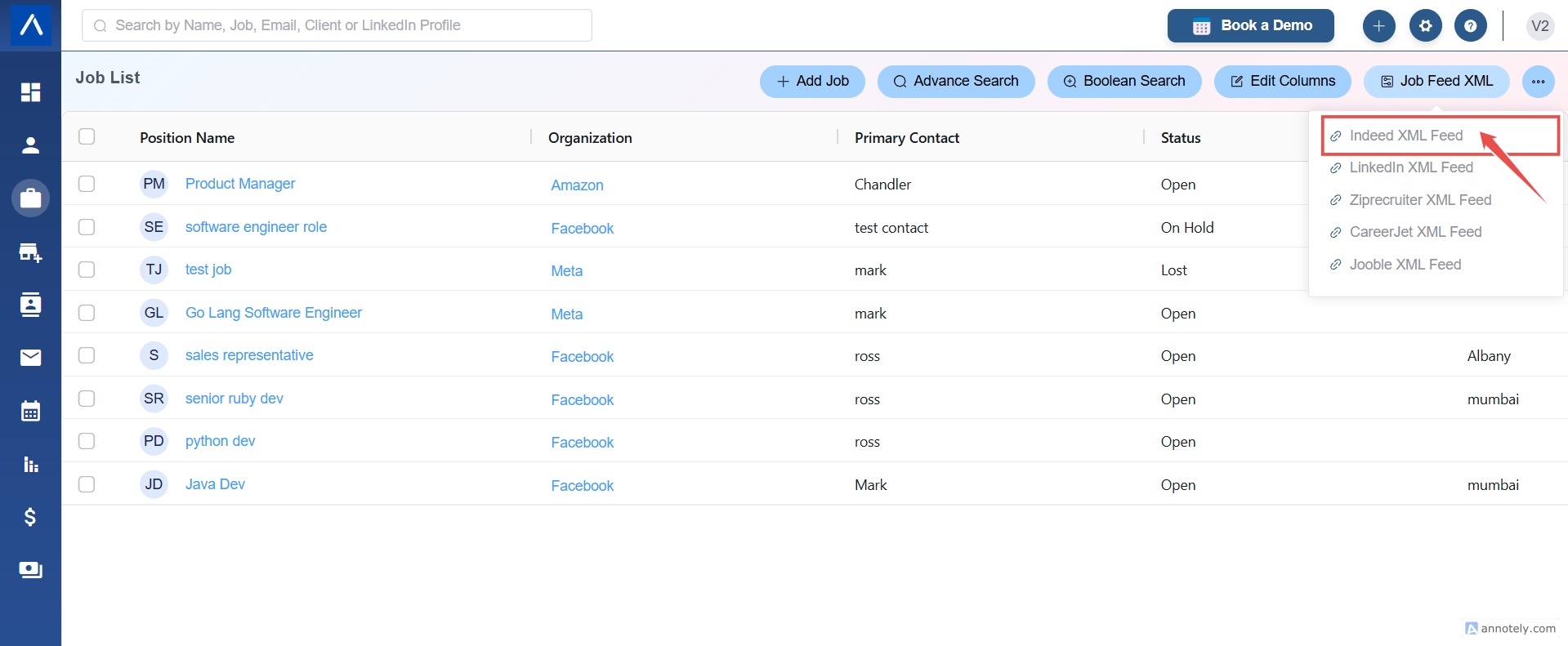
Go to Jobs and select Job Feed XML from the top-right area.
Step 2: Choose Indeed XML Feed
Select Indeed XML Feed.
Step 3: Review the Generated Feed
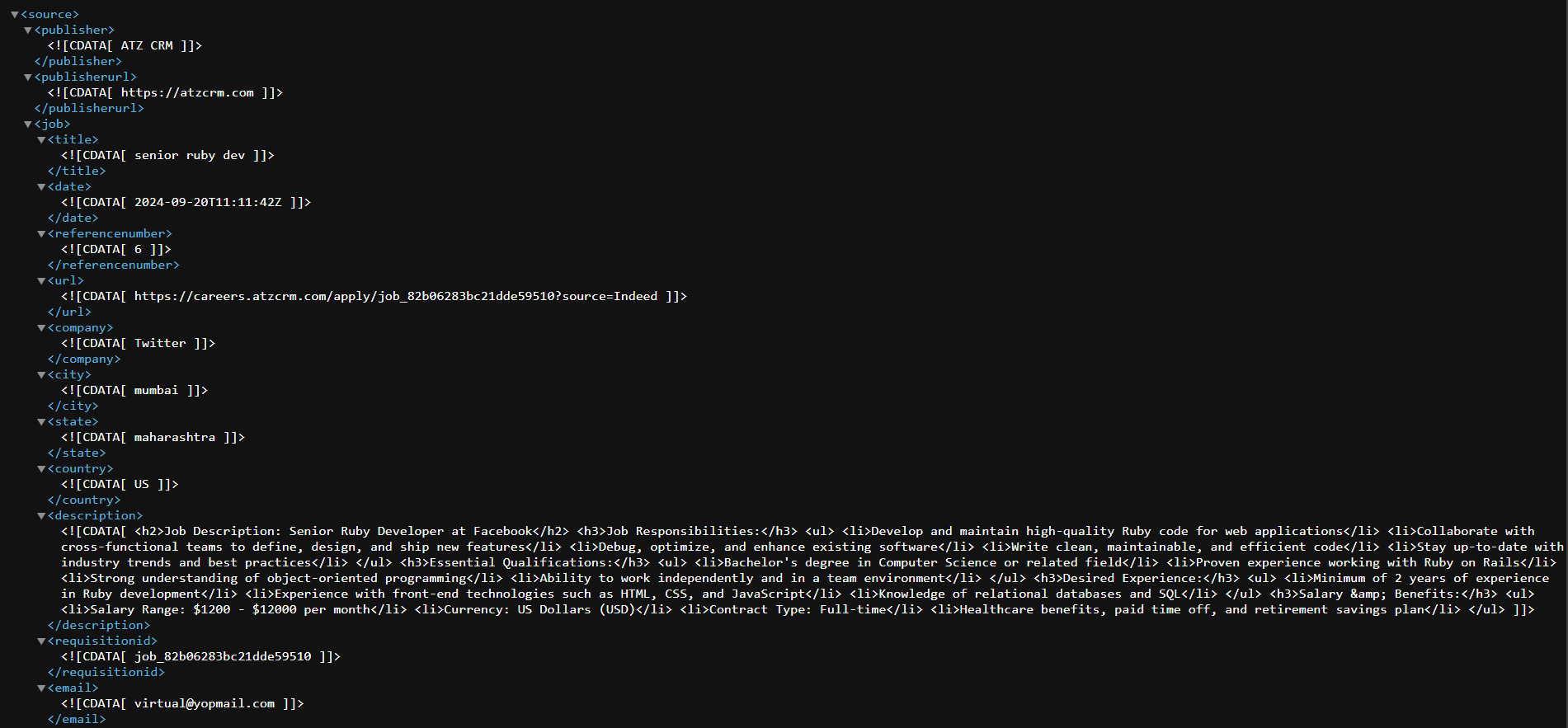
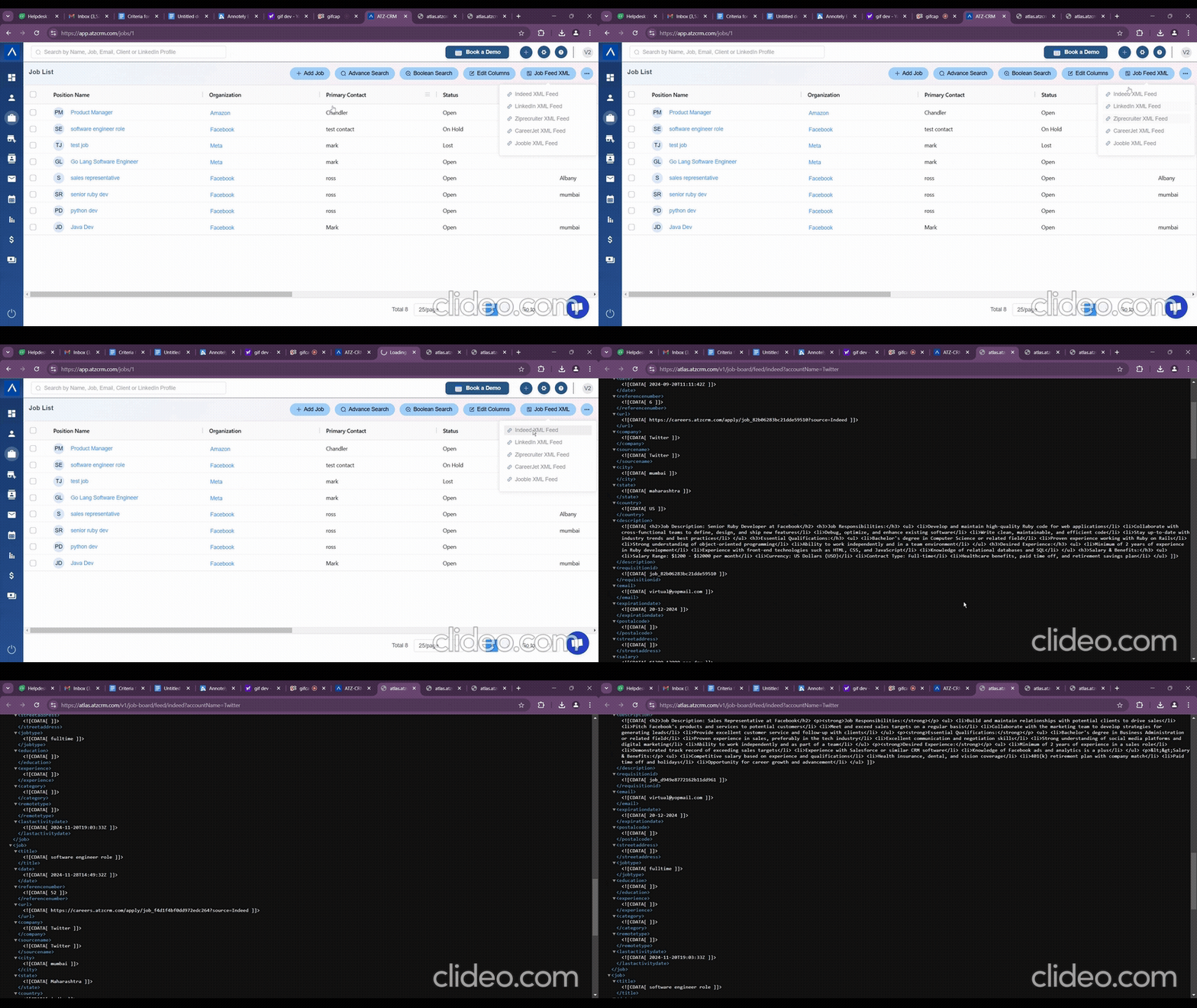
A new tab opens with the dynamic XML feed.
Step 4: Copy the Feed URL
ATZ CRM generates an XML feed URL containing eligible active job listings.
Step 5: Share the Feed with Indeed
Share the feed URL with Indeed customer support. If you are a premium Indeed user, share it with your Indeed account manager for faster handling.
Use Cases
High-Volume Job Publishing
Use the XML feed when your team regularly publishes multiple active jobs.
Better Applicant Routing
Use Indeed Apply and job application links to send applicants into ATZ CRM workflows.
Reduced Manual Posting
Keep eligible jobs updated through a feed instead of repeating manual posting tasks.
Troubleshooting
Indeed Feed Is Empty
Check that active jobs meet required field criteria and application form visibility is enabled.
Jobs Are Not Live on Indeed
Confirm Indeed has received and processed the feed. Publishing can take 24-48 hours.
Job Details Look Incomplete
Review the job description, location fields, salary, experience, and application form settings in ATZ CRM.
Frequently Asked Questions
Is the feed dynamic?
Yes. The source article describes the feed as dynamic.
Do I need to send the feed for every job?
No. Share the feed URL with Indeed once, then eligible active jobs can be read from it.
Can AI help write job descriptions?
The source article suggests using AI Autosense to write professional and engaging descriptions.