
Why Customize Client-Shared Fields
Client Portal sharing should show enough candidate information for useful feedback while protecting sensitive or unnecessary data. ATZ CRM lets admins change field labels, hide fields, and decide which candidate stages clients can manage.
Customize Field Labels and Visibility
- Go to Admin Settings.
- Search for Fields Shared with Client.
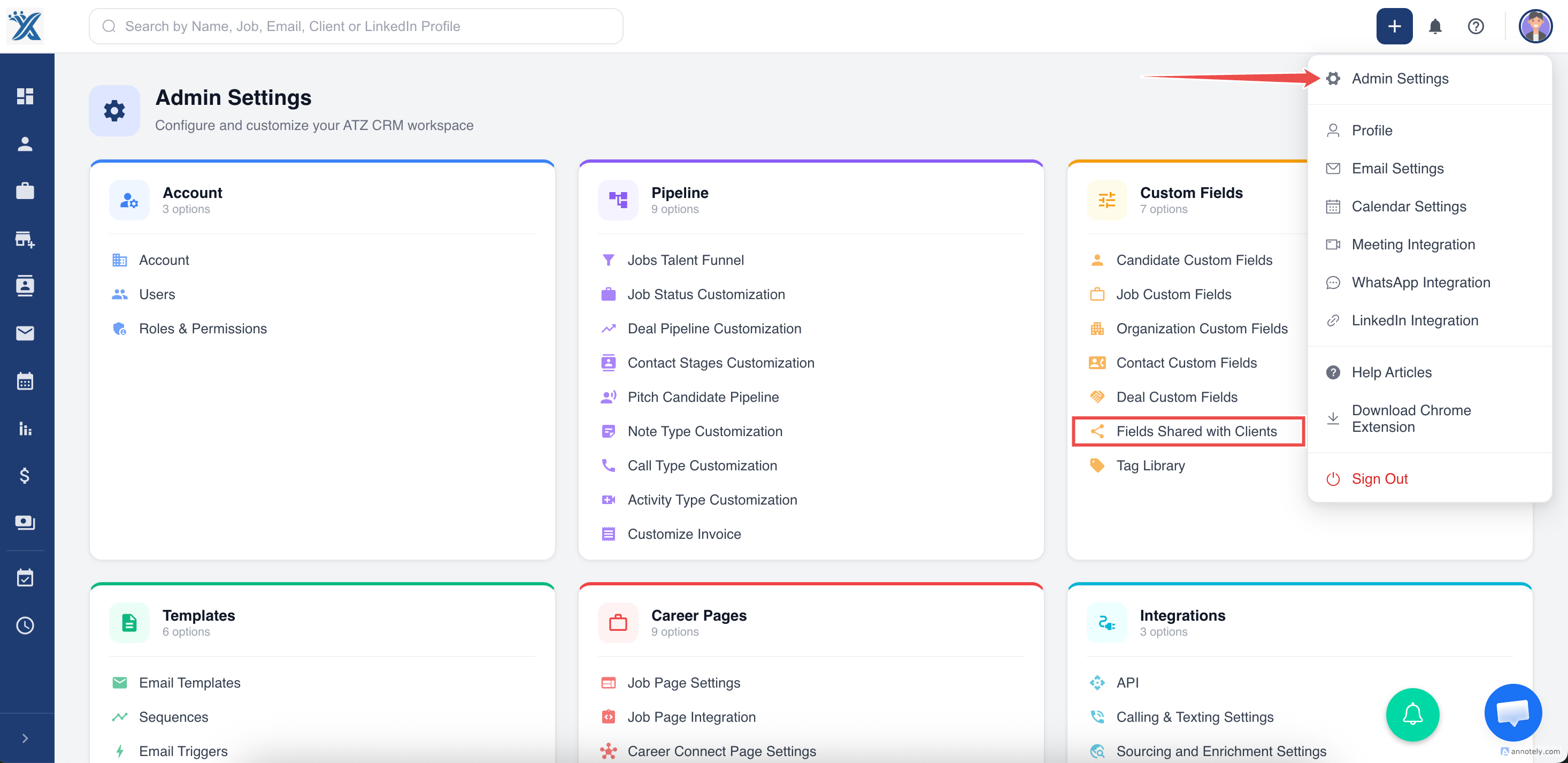
- Edit labels for client-facing fields.
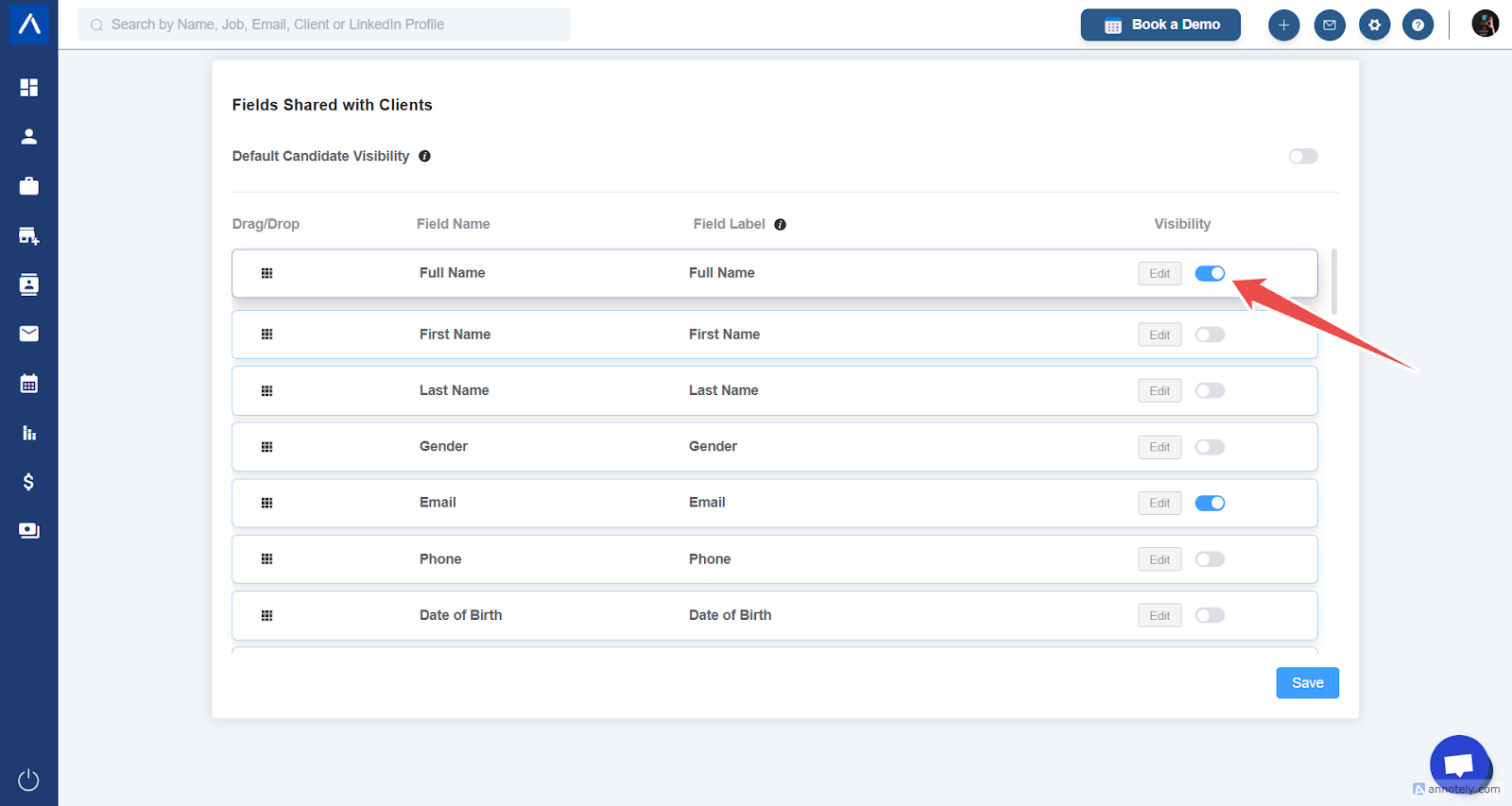
- Disable visibility for fields you do not want clients to see.
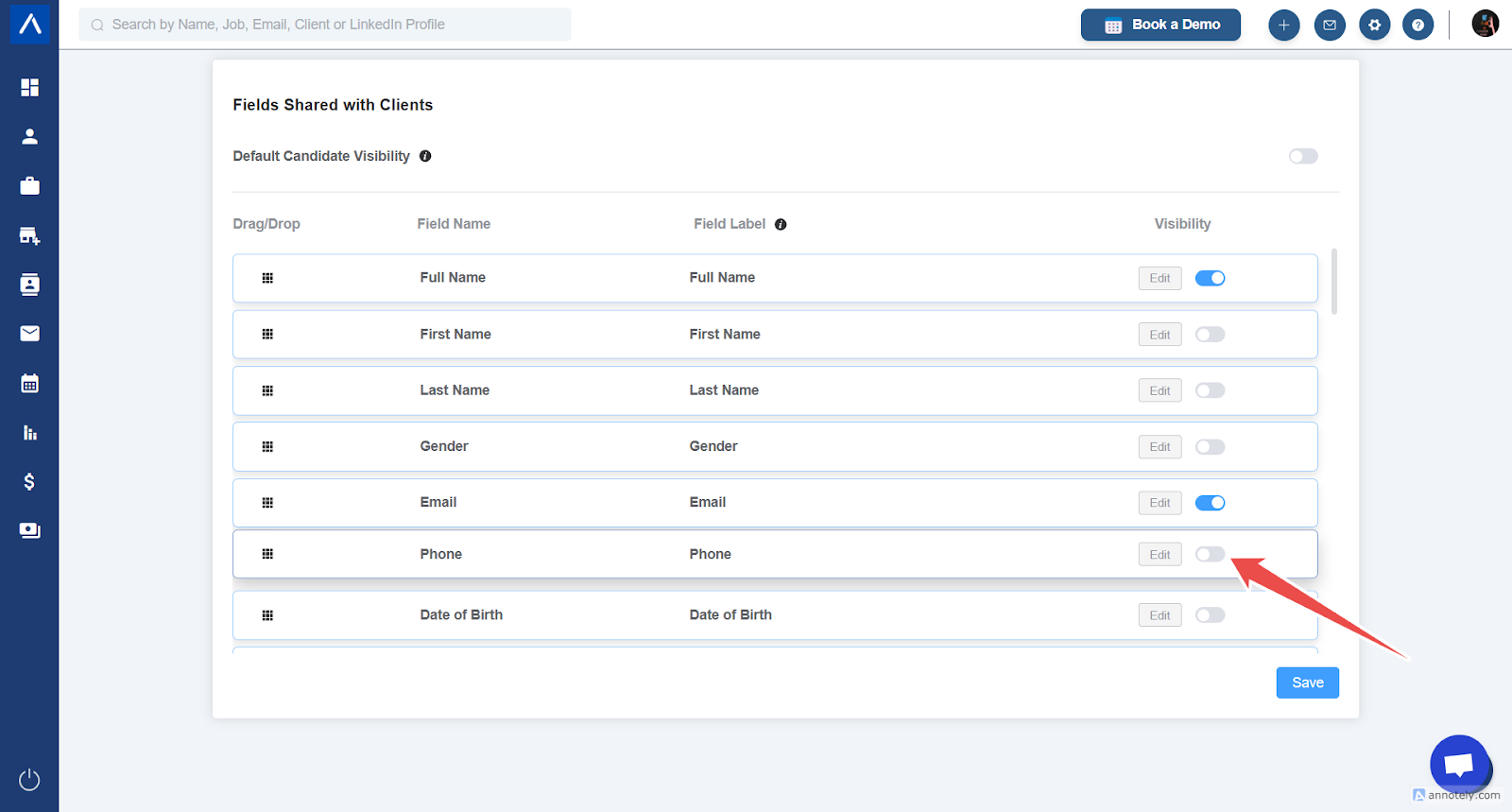
Customize Client-Accessible Stages
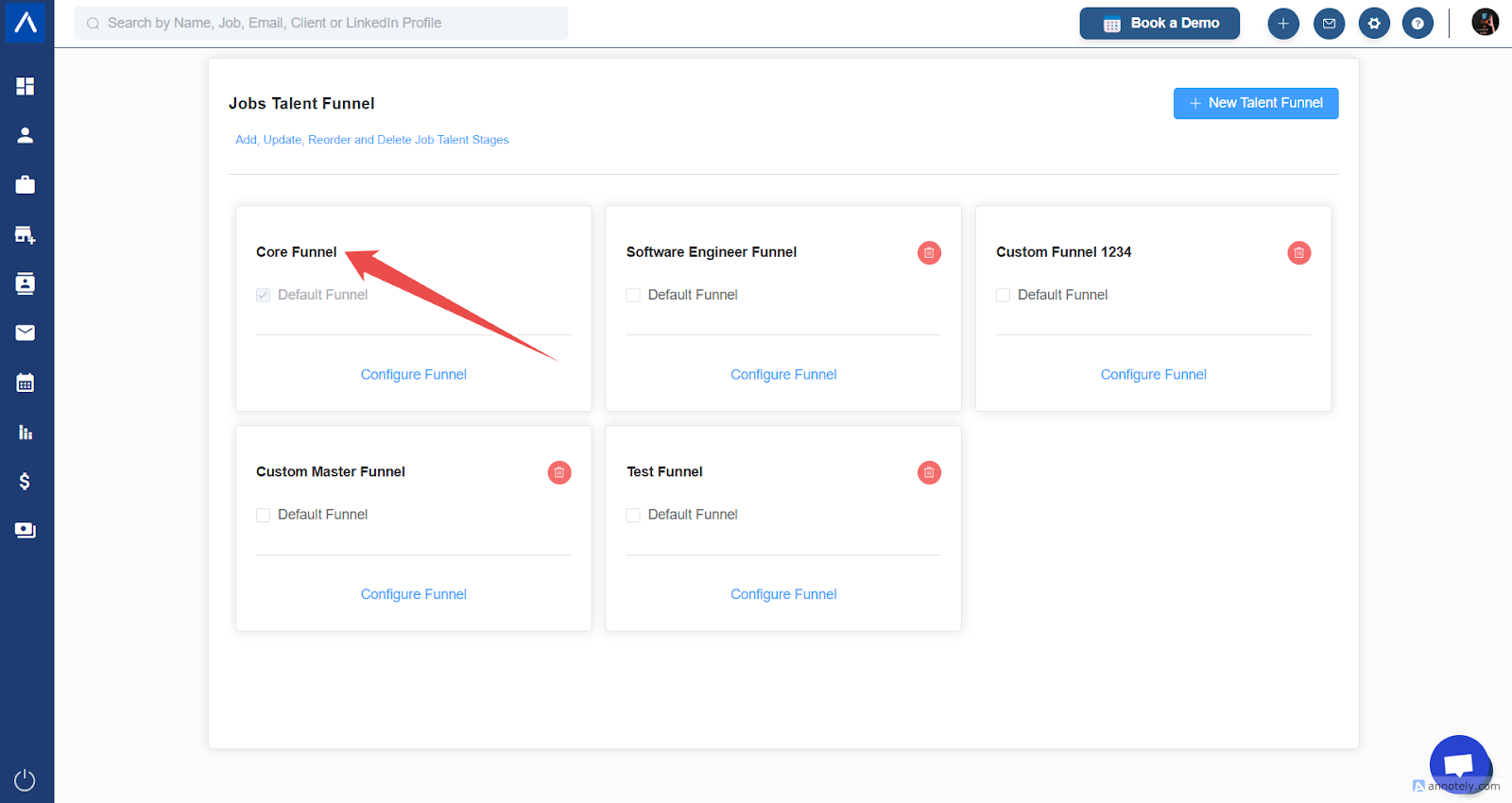
- Go to Admin Settings > Jobs Talent Funnel.
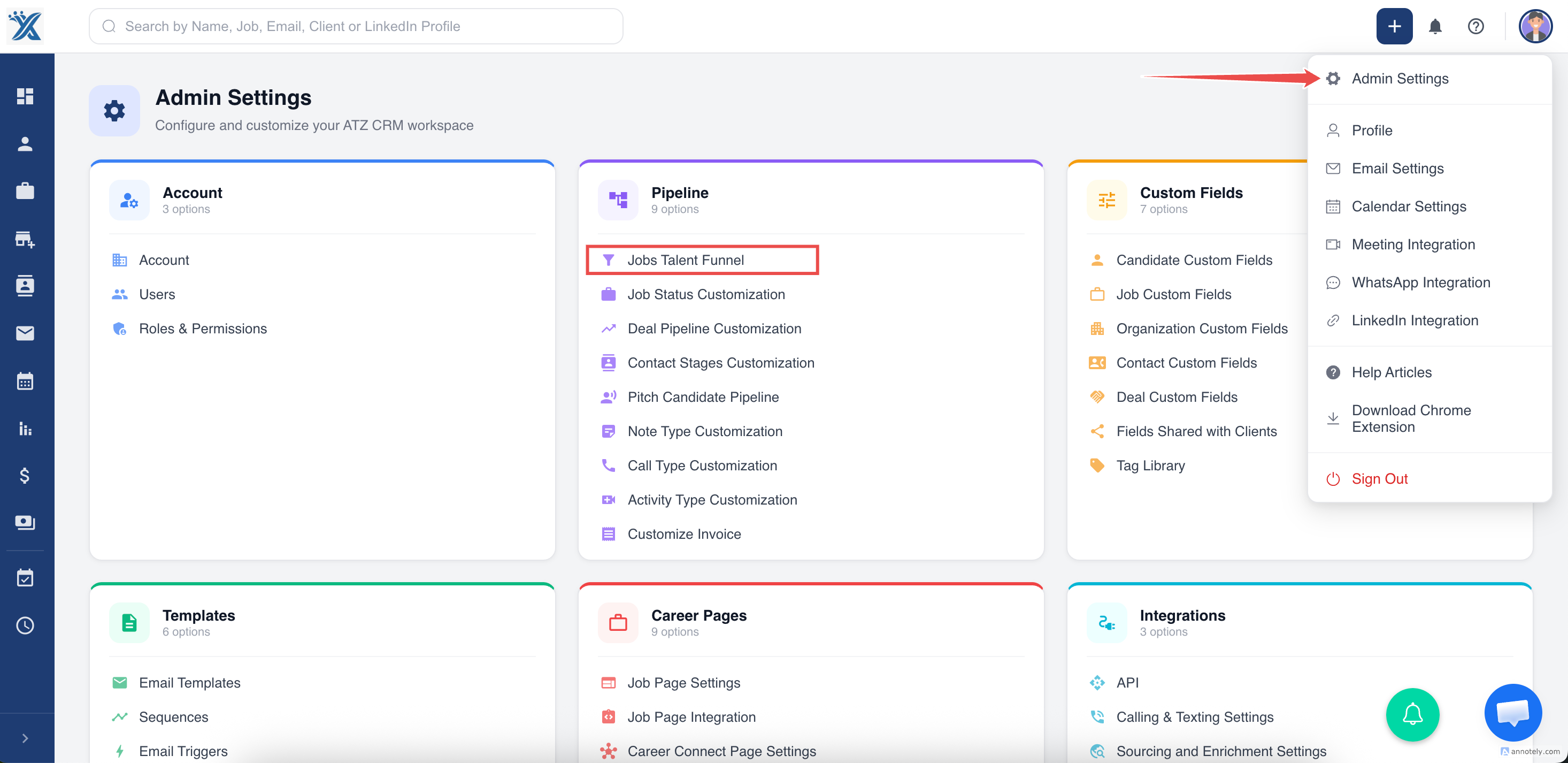
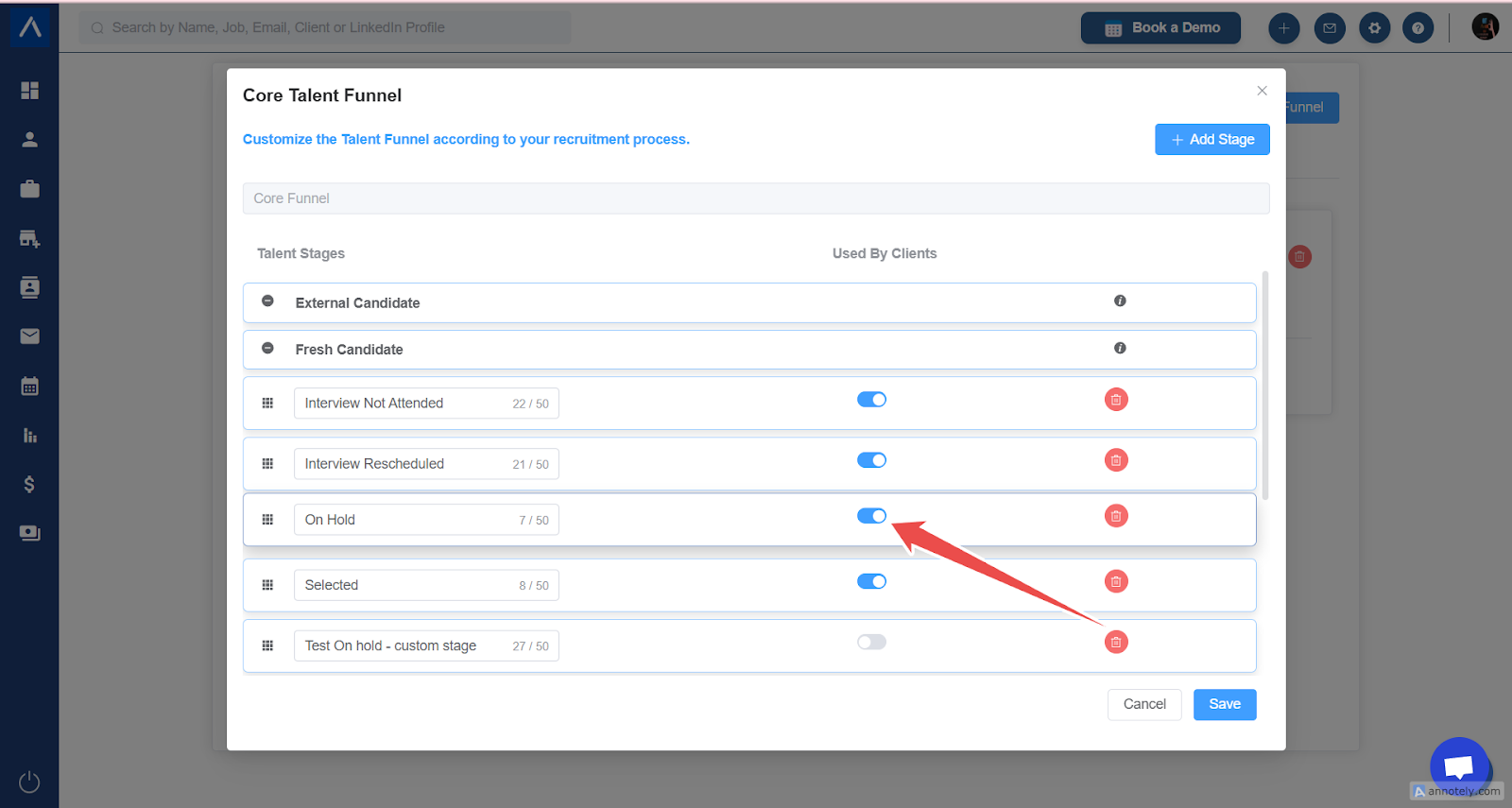
- Open the Core Talent Funnel.
- Enable or disable stages in the Used By Clients column.
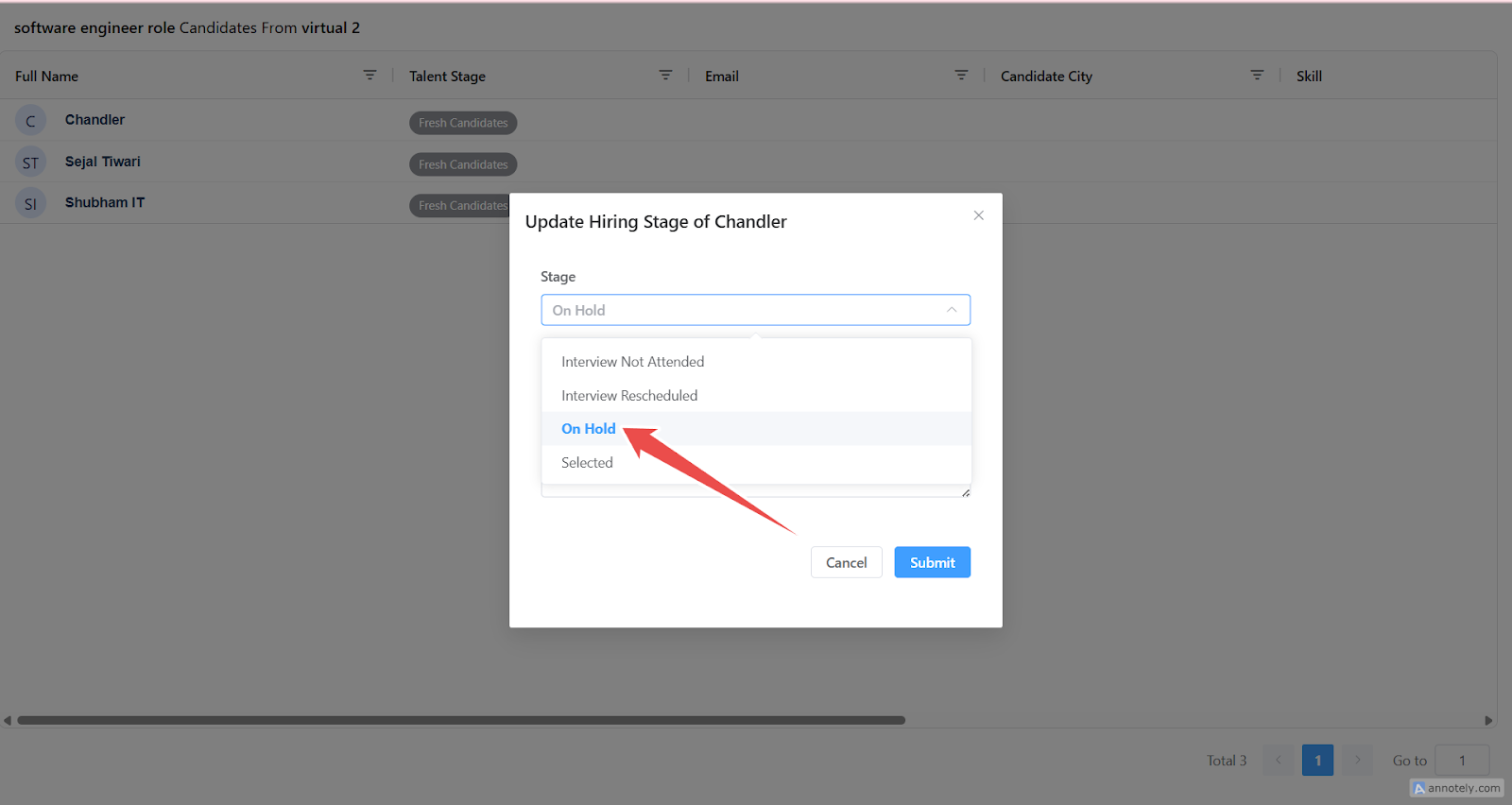
Client Candidate Actions
Clients can move candidates between enabled stages and add remarks.
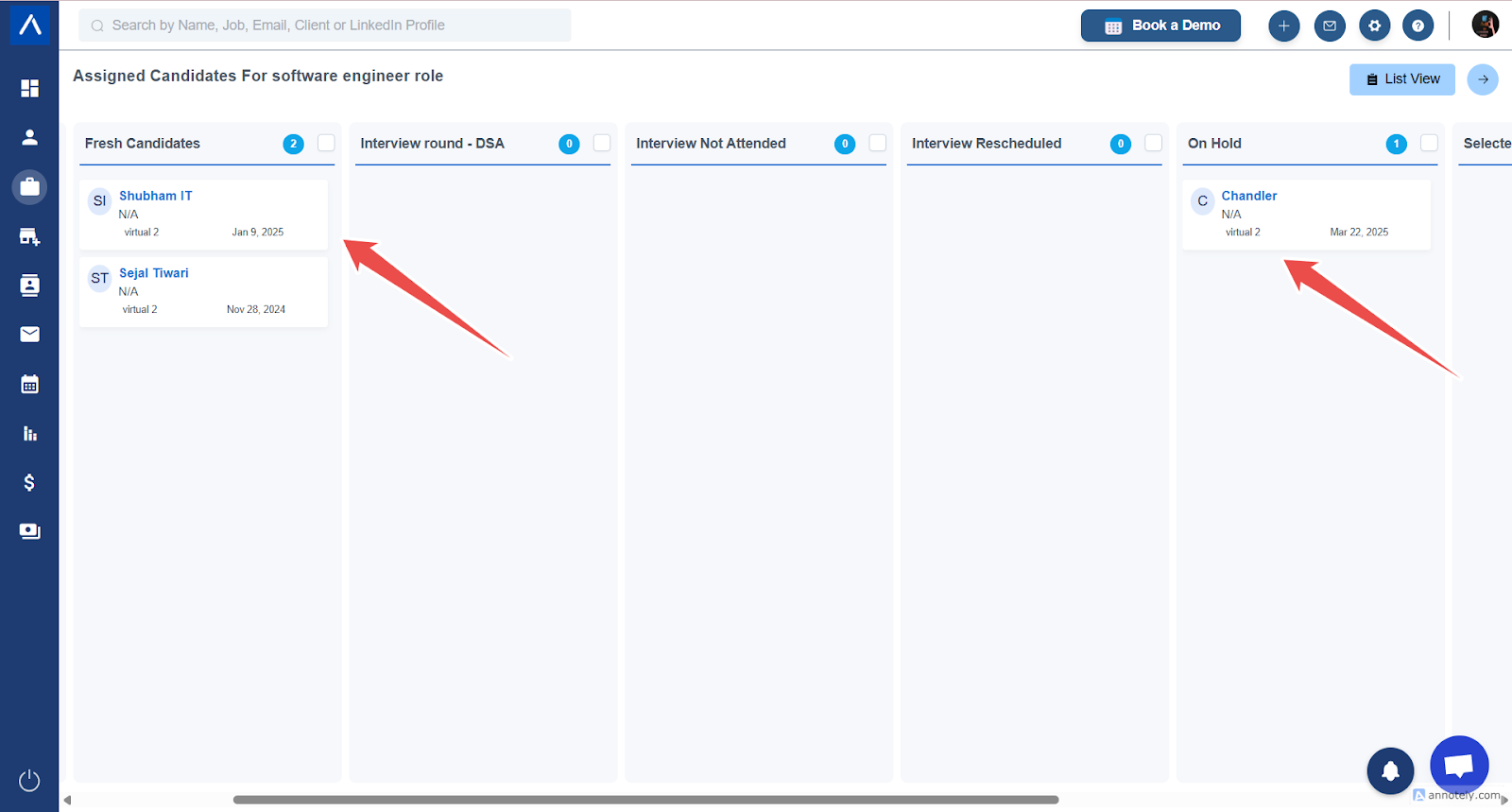
Updates are visible in ATZ CRM.
Use Cases
- Hide sensitive candidate data before client review.
- Rename fields into client-friendly language.
- Restrict clients to practical feedback stages.
Troubleshooting
Client Cannot See a Field
Check field visibility in Fields Shared with Client.
Client Cannot Move Candidate to a Stage
Confirm that stage is enabled under Used By Clients.
Label Did Not Update
Refresh the Client Portal page after saving changes.
Frequently Asked Questions
Should resumes always be visible?
Only if your sharing process requires it. Hide resume or sensitive fields when needed.
Can different clients see different fields?
This depends on account configuration. Use global shared-field settings carefully.
Do clients need ATZ CRM access?
They use the Client Portal or shared candidate list, not the internal recruiter workspace.