
The Client Portal lets organizations submit job requisitions directly to recruiters using ATZ CRM. Recruiters can then review the request, approve it into a job, or reject it with feedback.
Quick Answer
Log in to the Client Portal, open Job List, click Add Requisition, complete the required fields, and click Create. The requisition is sent to ATZ CRM for recruiter review.
Before You Start
The Client Portal is an add-on feature of ATZ CRM, available separately from the standard subscription. For access or pricing details, contact support from in-app chat or email support@atzcrm.com.
You need Client Portal access before submitting requisitions. See: Invite contacts to the Client Portal.
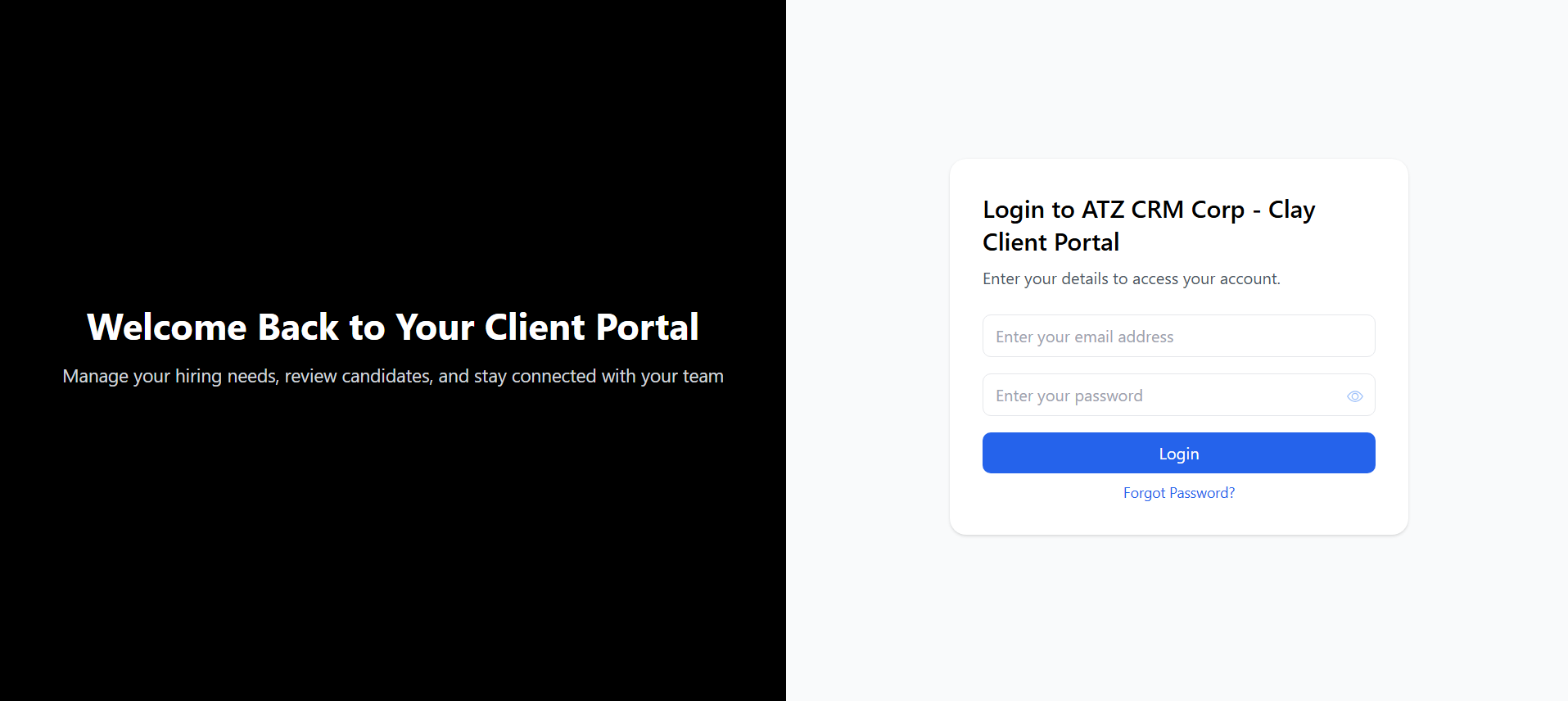
Step 1: Log In to the Client Portal
Use your Client Portal credentials to access the portal dashboard.
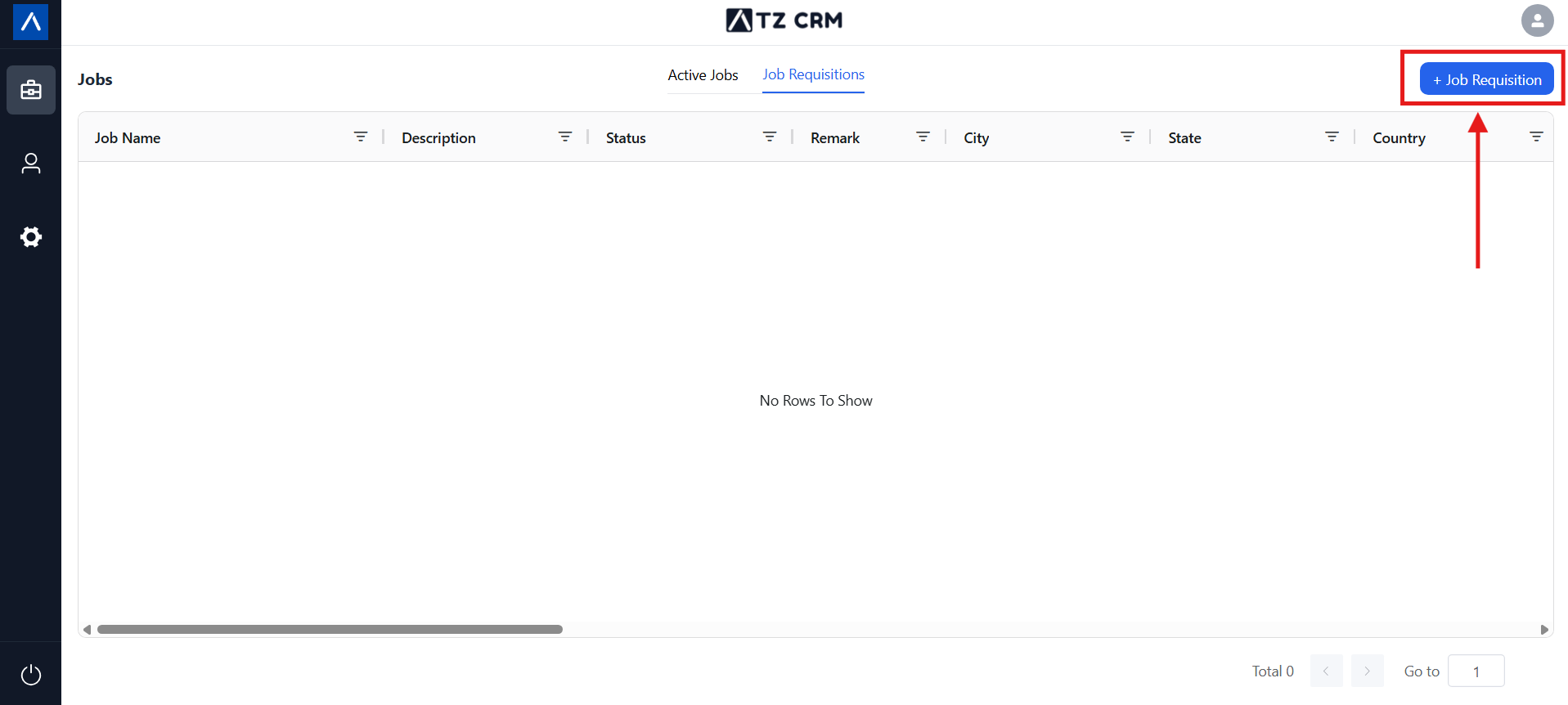
Step 2: Click Add Requisition
Open Job List and click Add Requisition. This opens a form for creating a new job requisition.
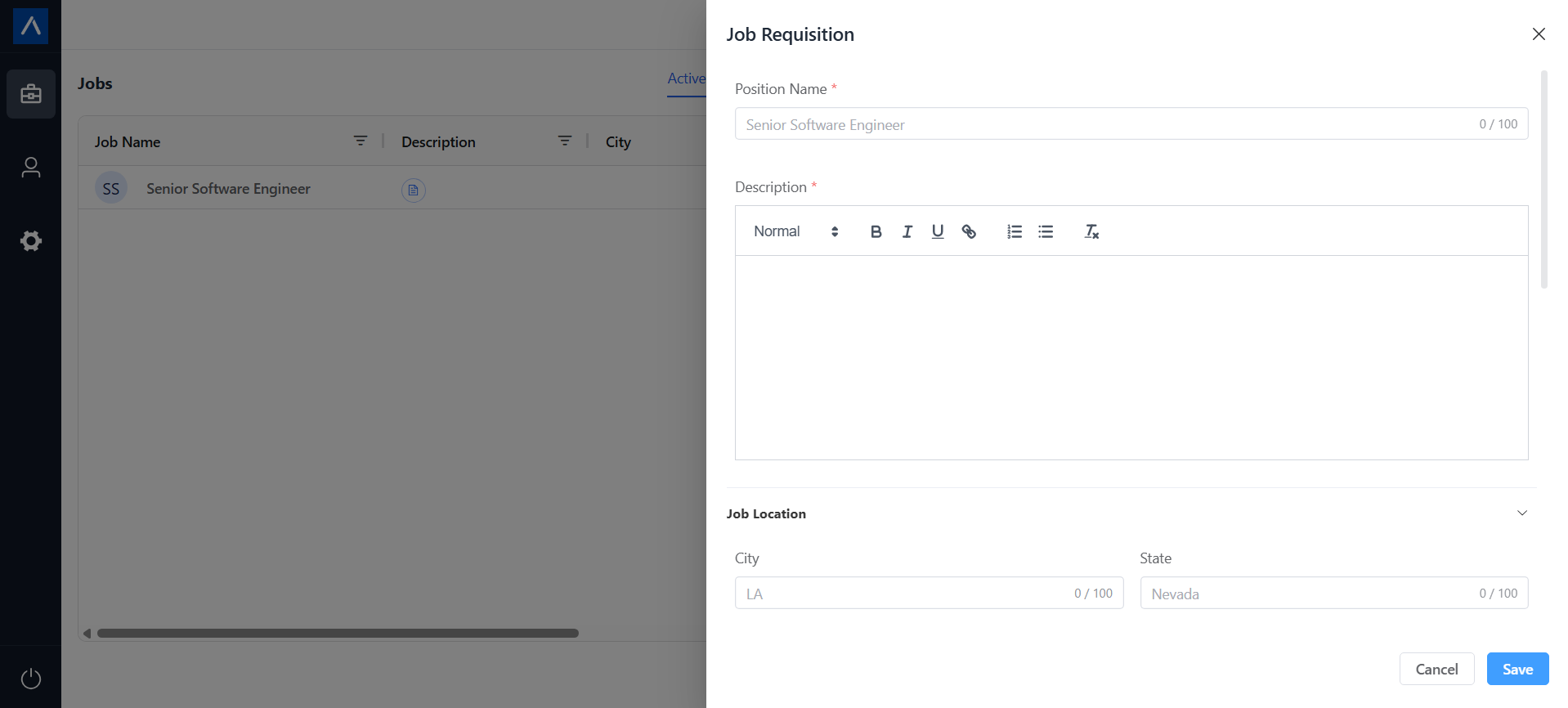
Step 3: Complete the Required Fields
Enter the job details, such as title, description, qualifications, and other relevant requirements.
Step 4: Create the Requisition
Click Create. The job requisition is automatically shared with the recruiter in ATZ CRM.
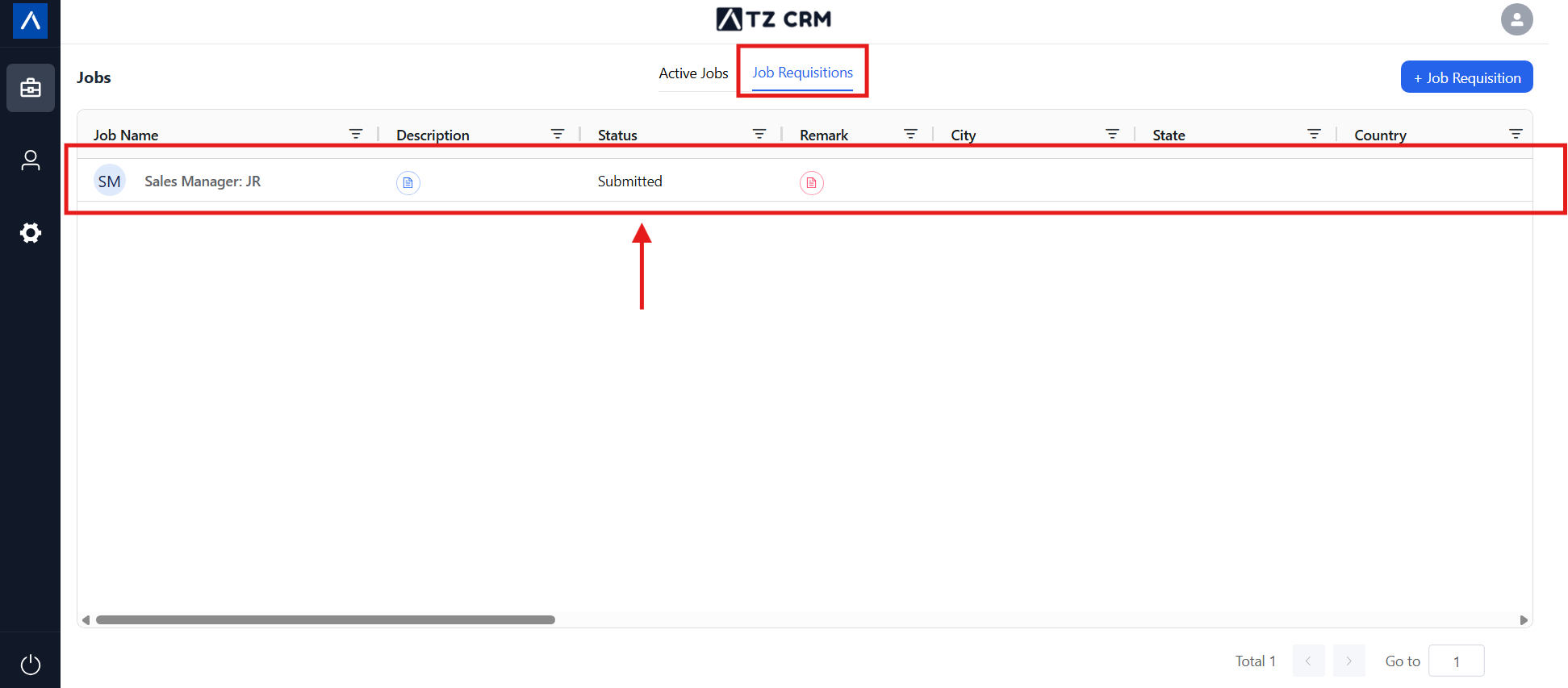
What Happens Next
If the Recruiter Approves the Requisition
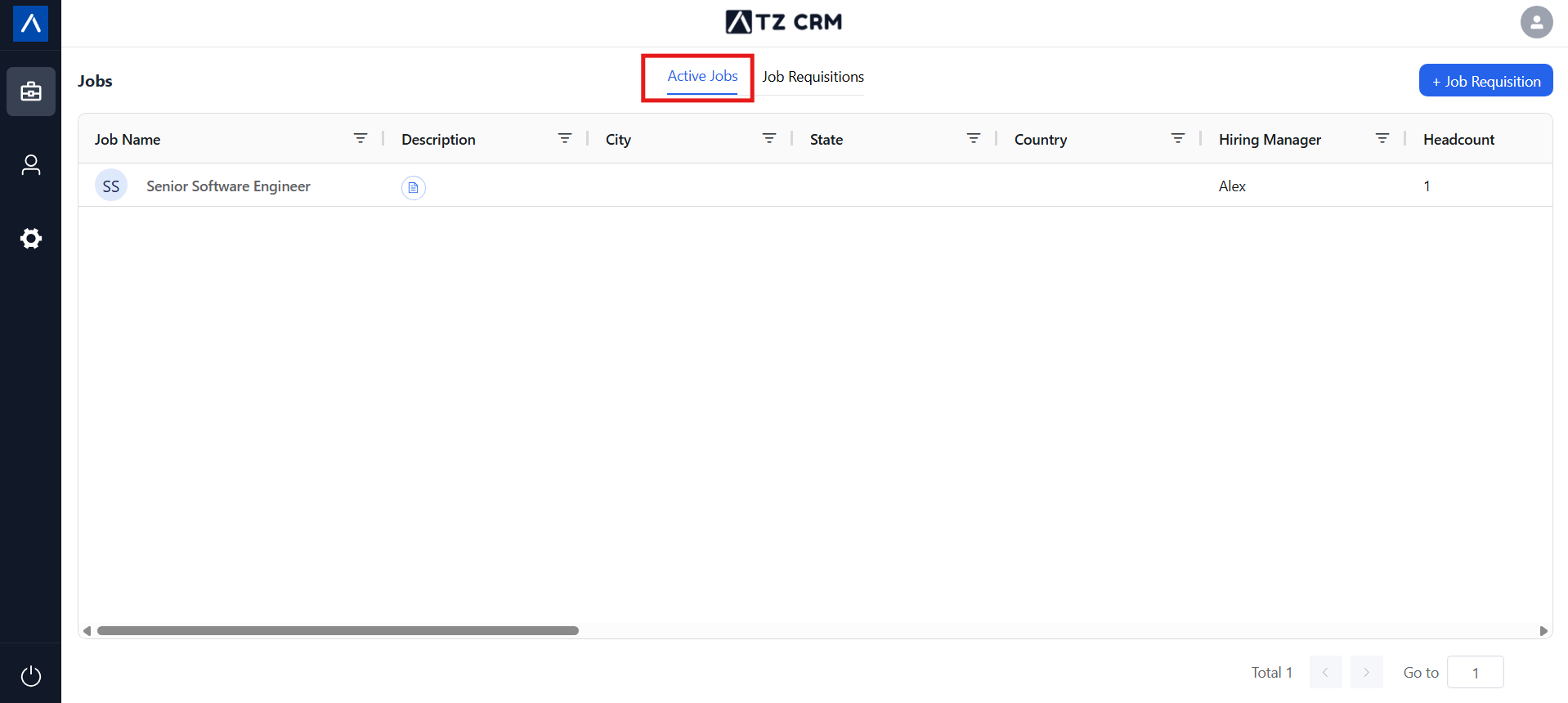
The requisition moves to the Active Jobs list.
If the Recruiter Rejects the Requisition
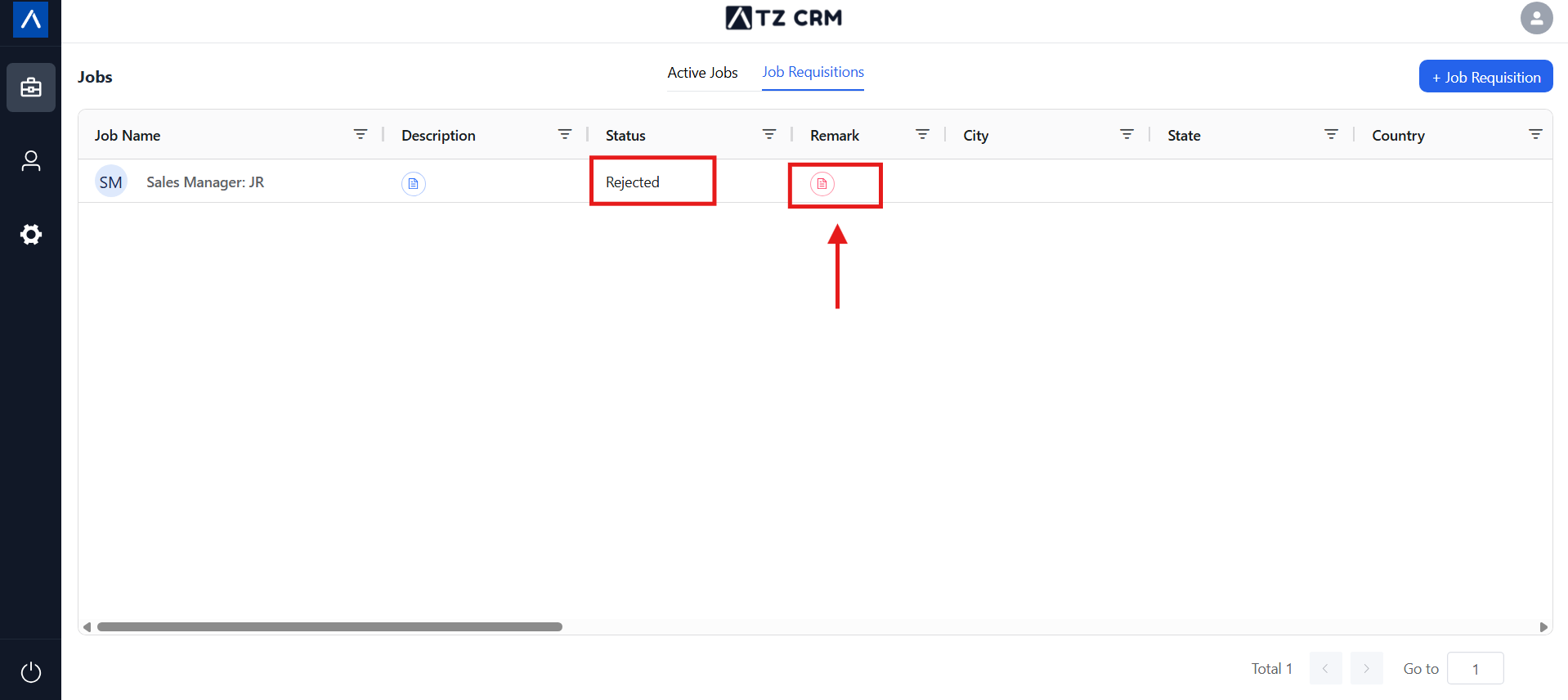
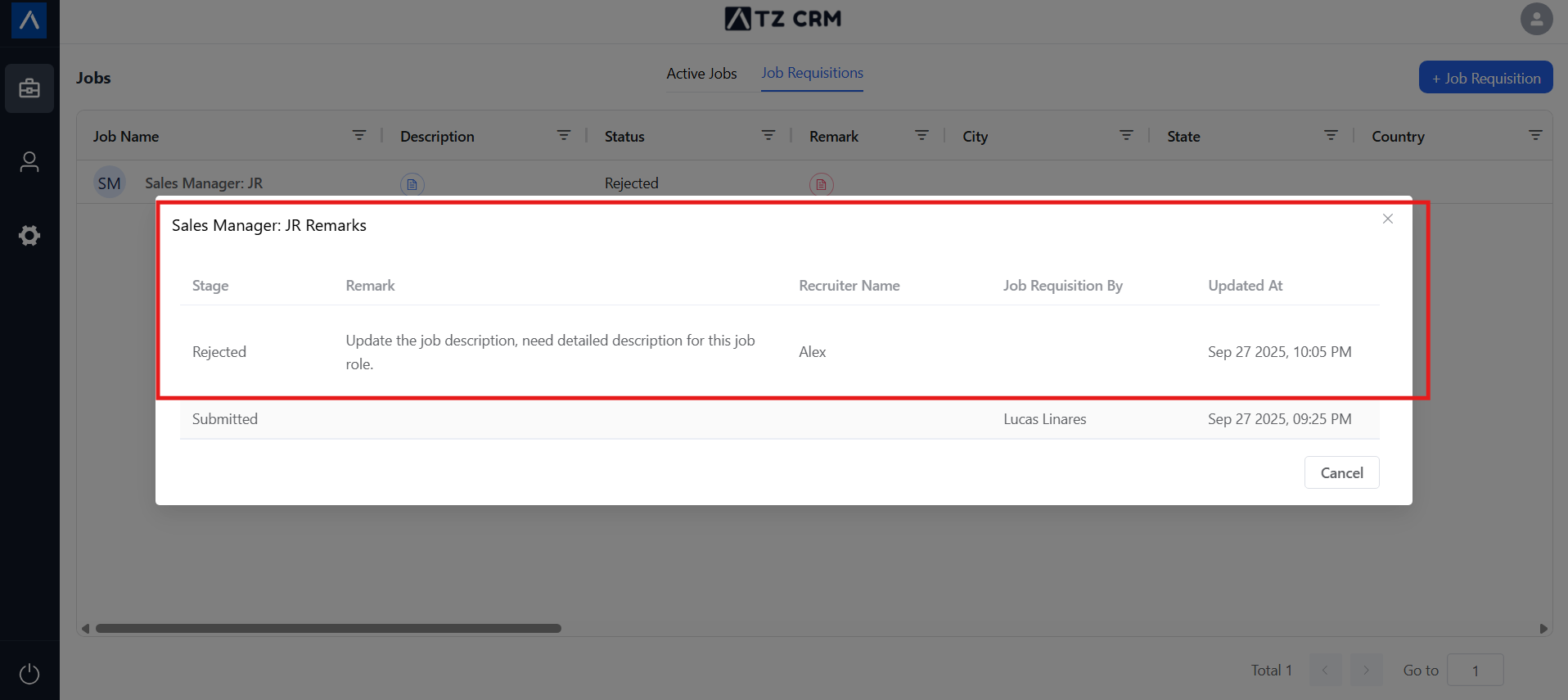
The requisition remains in the Job Requisition List with visible rejection remarks.
Use Cases
New Role Requests
Clients can submit new hiring requirements without emailing job descriptions manually.
Structured Intake
Required fields help recruiters receive more complete job information from the start.
Transparent Review
Approved and rejected states keep the client informed about what happened to each requisition.
Troubleshooting
Add Requisition Is Not Visible
Confirm the user has Client Portal access and belongs to the correct organization.
The Requisition Cannot Be Submitted
Check that all required fields are completed. Missing required information can prevent the form from being created.
The Requisition Was Rejected
Open the requisition and review the rejection remarks. Update the request details and coordinate with the recruiter if a revised requisition is needed.
FAQs
Can clients edit a submitted requisition?
If the requisition needs changes, review its current status and coordinate with the recruiter. Rejected requisitions include remarks explaining what needs attention.
Do recruiters see submitted requisitions immediately?
Yes. Submitted requisitions are sent to ATZ CRM for recruiter review.
How do recruiters approve or reject requisitions?
Recruiters manage submitted requisitions from the Job Requisition area in ATZ CRM.