
Your profile settings personalize ATZ CRM for your daily work, including avatar, timezone, currency, password, and email tracking preferences.
Quick Answer
Click your avatar, open your profile, update the settings you need, and click Save Profile.
Open Your Profile
Click your avatar in the top-right corner of ATZ CRM to access the profile section.
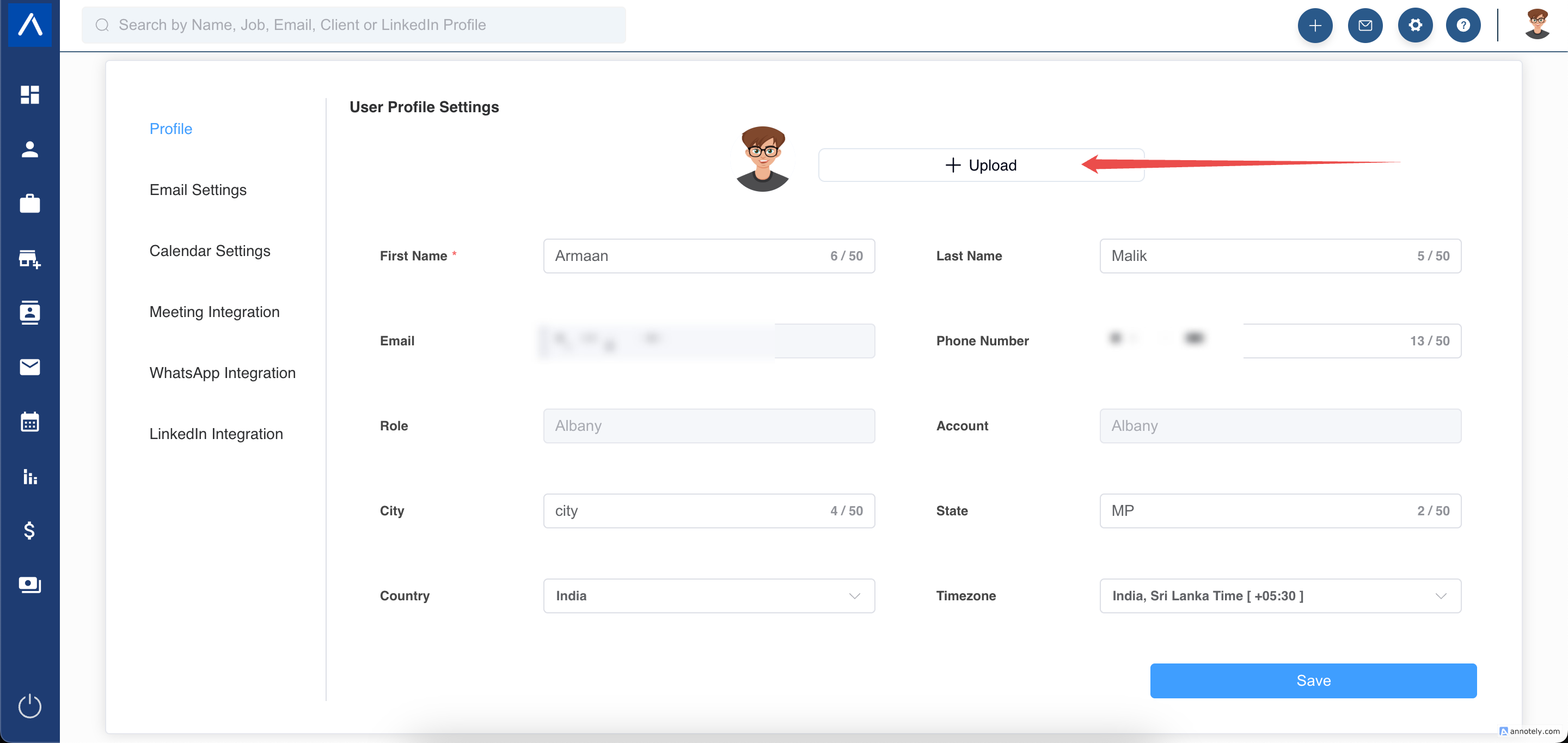
Update Your Profile Picture
Click Upload on the left side of the profile section and choose a new profile picture.
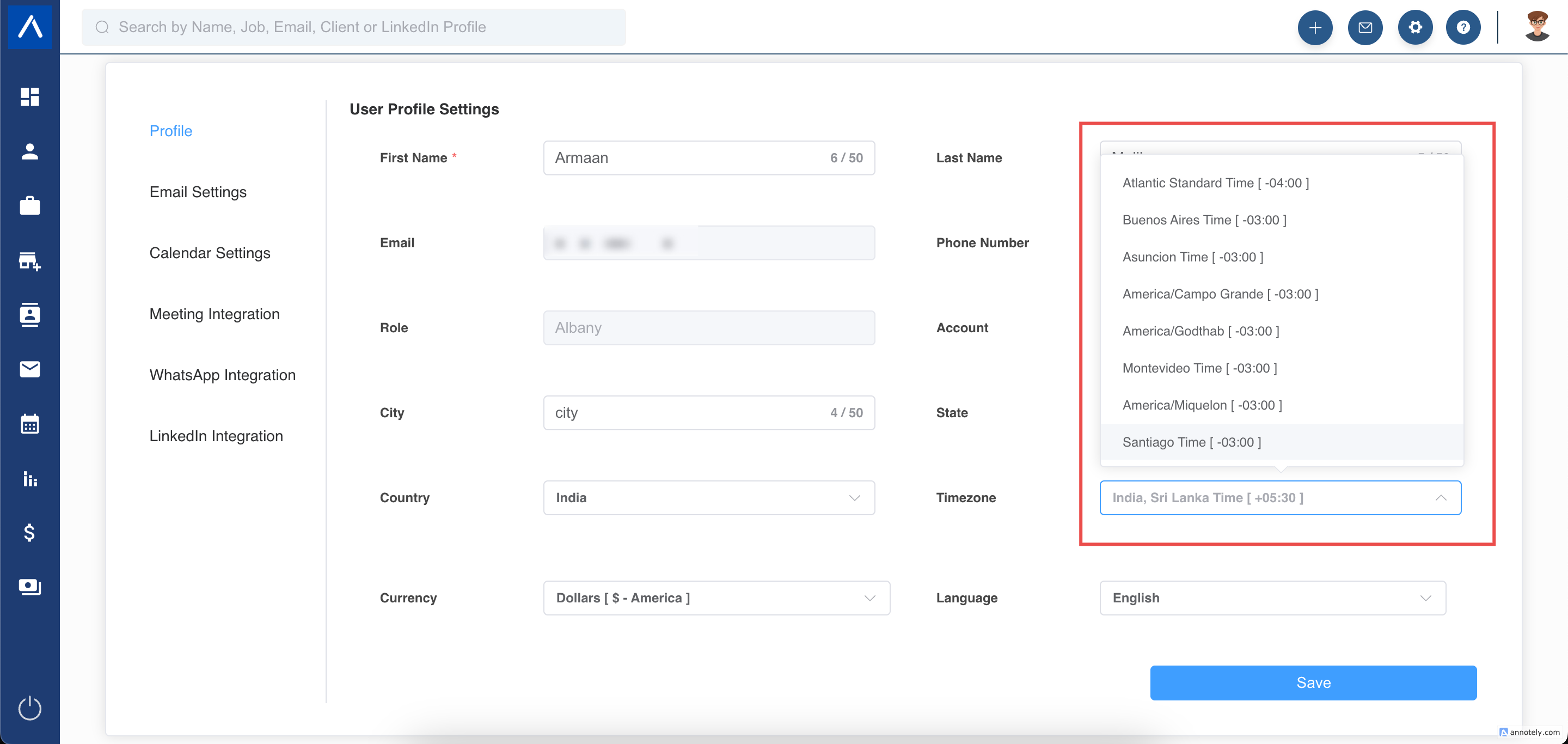
Set Your Default Timezone
Select your preferred timezone from the Timezone dropdown and click Save Profile.
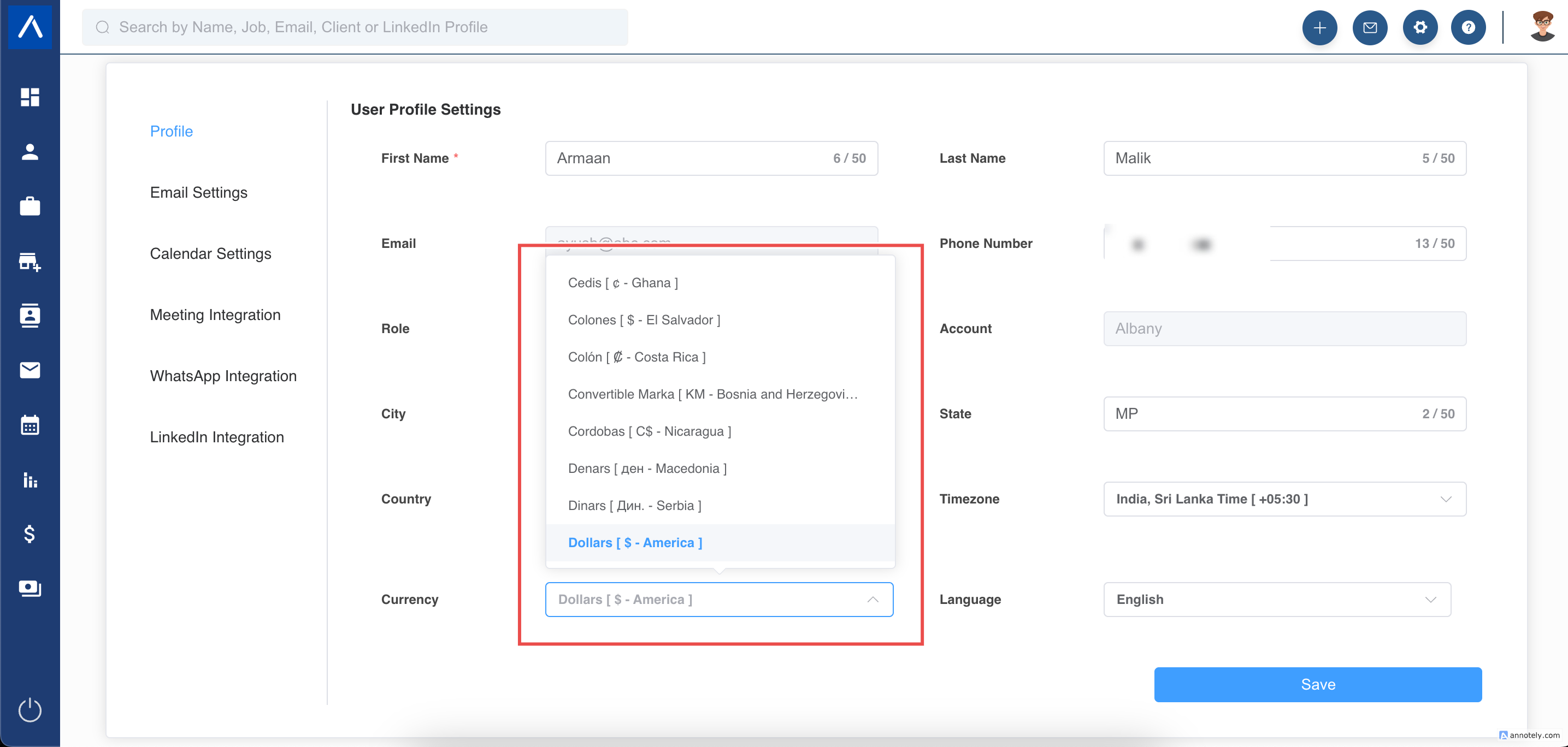
Set Your Default Currency
Choose your preferred currency from the Currency dropdown. This currency is used as the default across ATZ CRM where applicable.
You can still set different currencies for individual candidates or jobs by editing those profiles.
Change Your Password
Use the password settings in your profile area to update your ATZ CRM account password.
Manage the Email Tracking Pixel
Use the Email Tracking Pixel setting to control email tracking in ATZ CRM.
ON
ATZ CRM adds a tracking pixel to emails sent from the platform to monitor engagement.
OFF
ATZ CRM disables the tracking pixel. If emails sent from ATZ CRM are landing in spam or junk folders, try turning the tracking pixel off.
Save Profile Changes
After making changes, click Save Profile.
Use Cases
Accurate Scheduling
Set your timezone so meetings, activities, reminders, and time-sensitive work match your location.
Localized Financial Data
Set your default currency so money-related fields are easier to review.
Email Deliverability Review
Turn the tracking pixel off if tracked emails are being flagged by recipient mailboxes.
Troubleshooting
Profile Changes Are Not Saved
Make sure you clicked Save Profile after updating settings. Refresh the page and check again.
Emails Are Going to Spam
Try turning the email tracking pixel off and review your broader email setup.
Currency Looks Different on a Job or Candidate
Individual jobs or candidates may have their own currency settings. Edit the specific record if needed.
FAQs
Does changing profile currency update every existing record?
No. Profile currency is a default setting where applicable; individual records can still have their own currency.
Can I change my profile picture later?
Yes. Return to your profile section and upload a new image.
Does timezone affect other users?
No. Your profile timezone applies to your user experience.