
The AI Email Template Generator helps teams create reusable candidate and contact email templates from a prompt.
Quick Answer
Open Email Templates, create a template, enter a prompt in the AI section, review and edit the generated subject and body, then save.
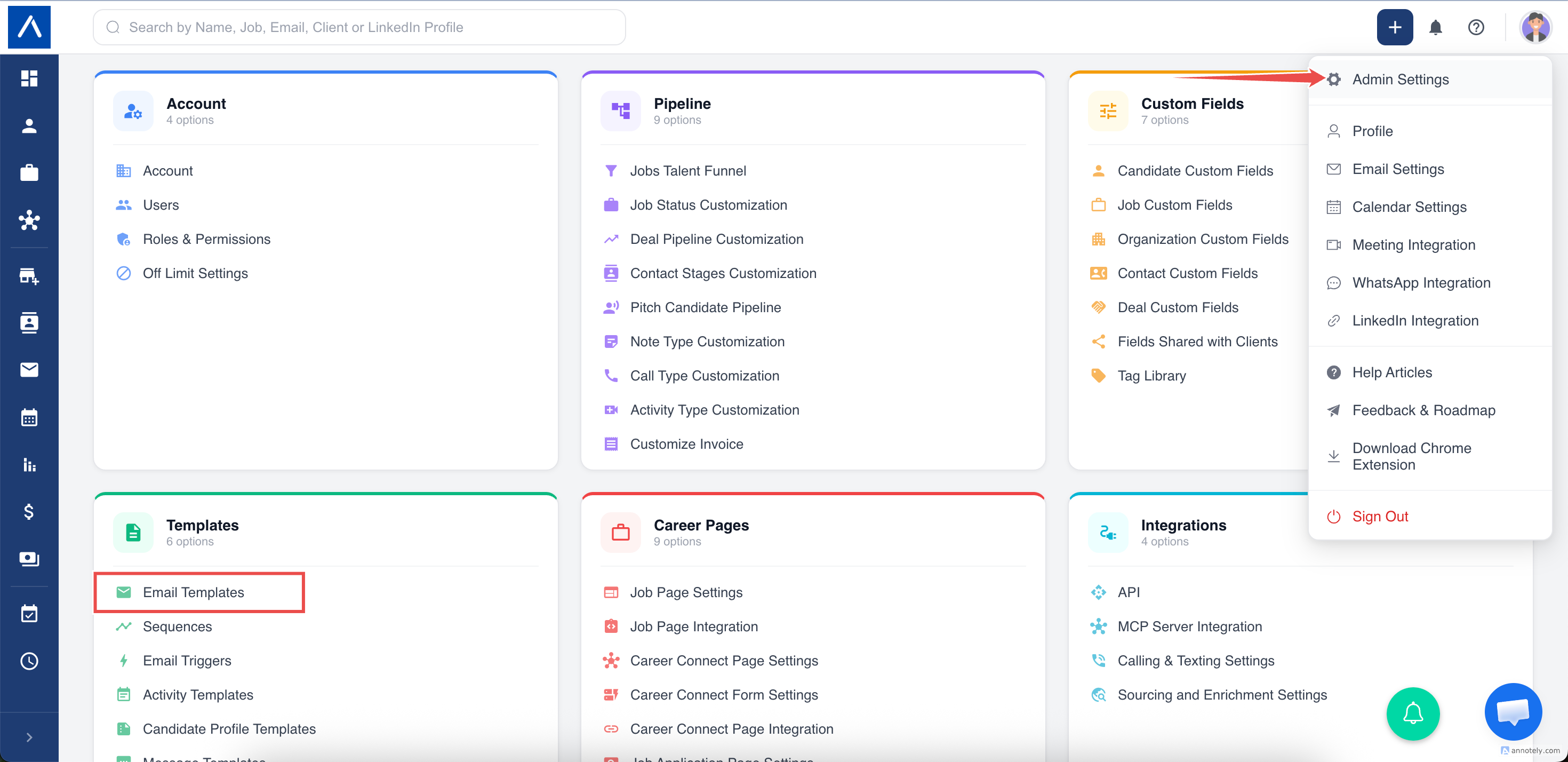
Where to Find It
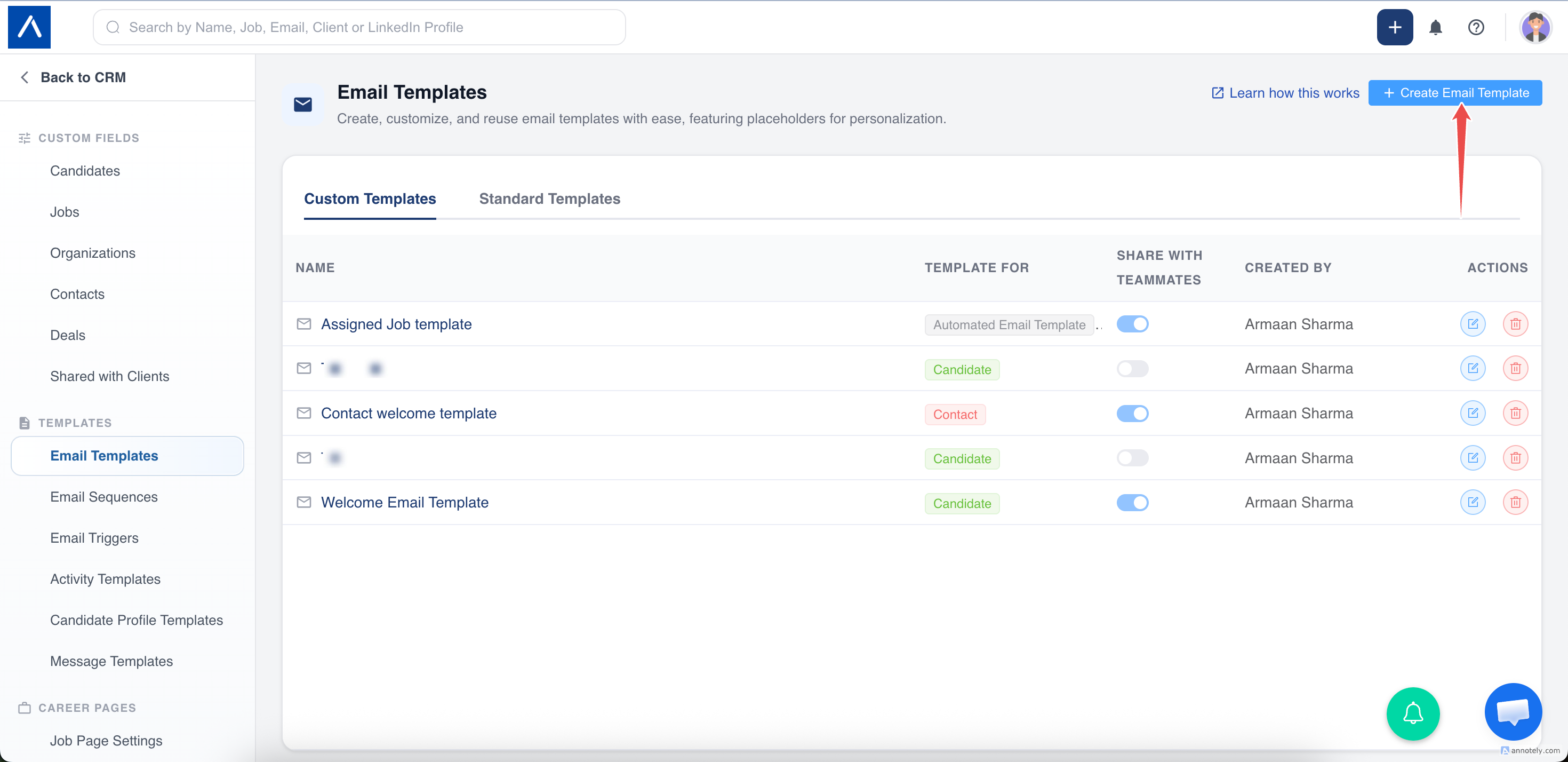
- Go to Email Templates.
- Click Add Email Template.
- Select the template type or entity.
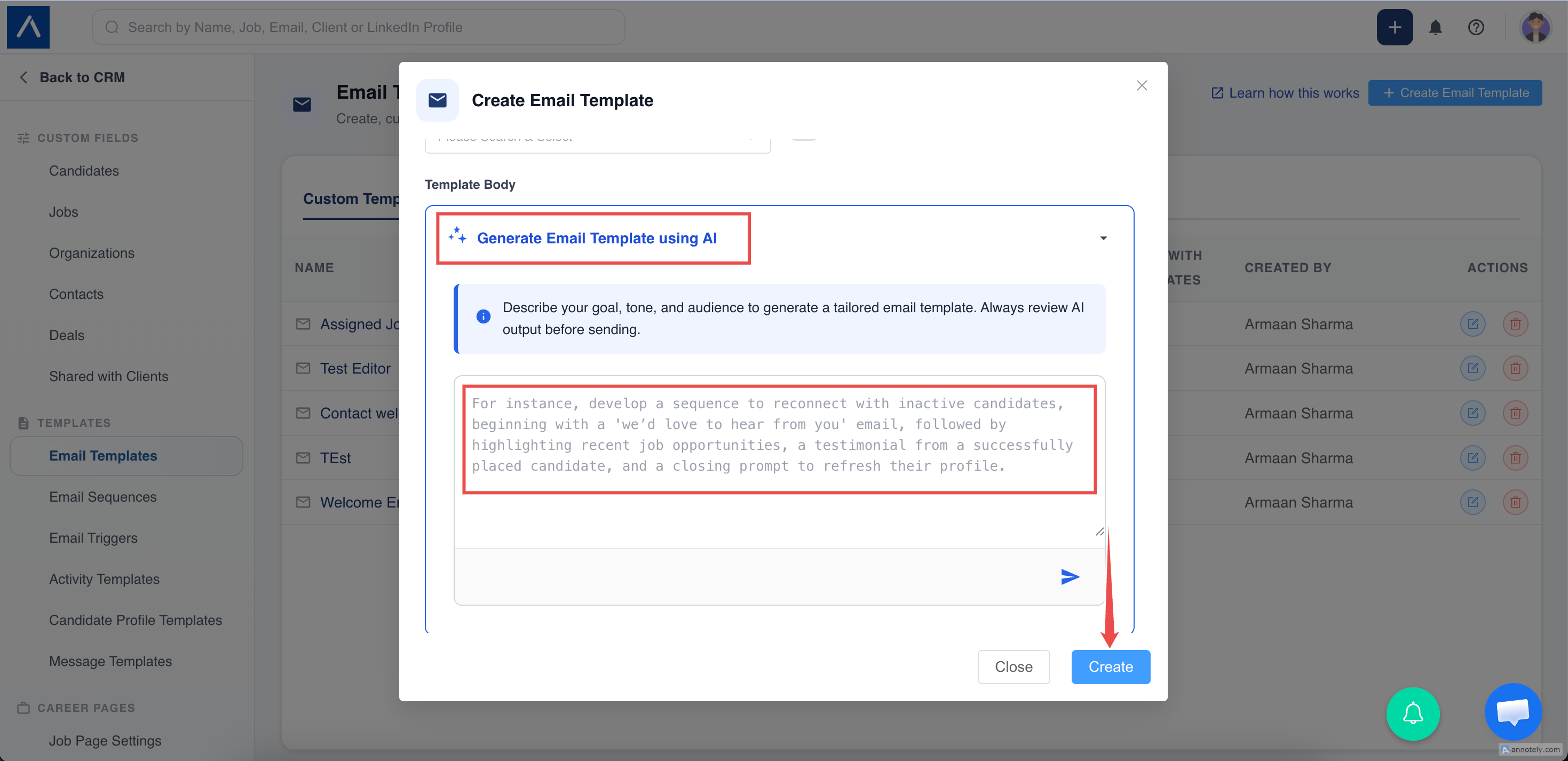
- Open AI Email Template above the editor.
- Enter a prompt.
- Click the send icon.
Write a Good Prompt
Include:
- Audience.
- Purpose.
- Tone.
- Call to action.
- Details to include or avoid.
Examples:
- Create a friendly candidate interview confirmation email.
- Write a concise client follow-up after submitting candidates.
- Draft a contact email asking for feedback on submitted candidates.
Supported Placeholders
Candidate templates:
{candidate_first_name}
Contact templates:
{contact_first_name}{contact_organization}
ATZ CRM placeholders use single curly braces. Review placeholders before saving.
Generate and Save
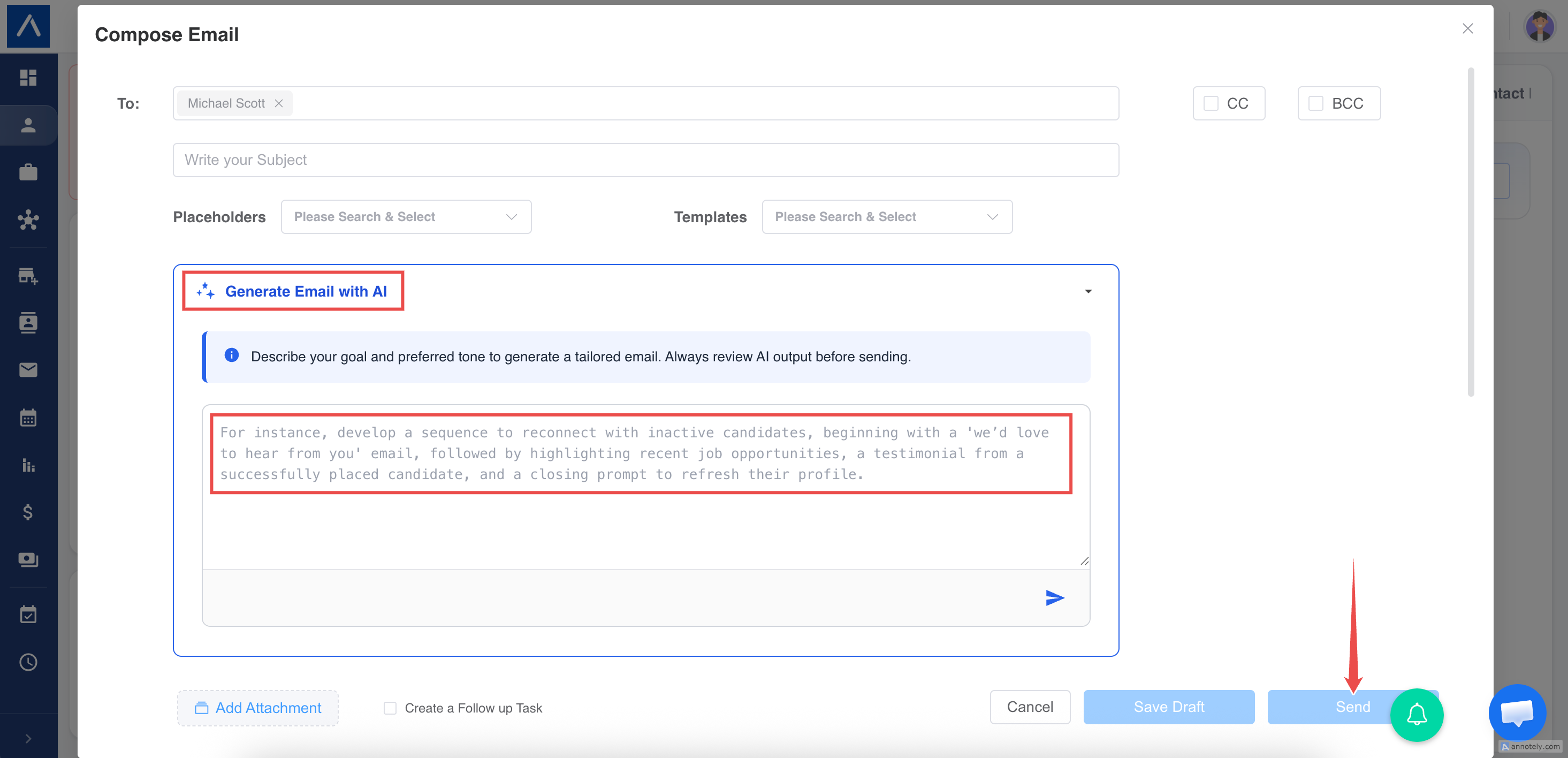
Review the generated subject and body, edit anything needed, and save the template.
Troubleshooting
Subject Is Missing
Add it manually or regenerate with a prompt that asks for a subject line.
Placeholder Looks Wrong
Replace it with the correct ATZ CRM placeholder.
Template Is Too Long
Edit the body or regenerate with a prompt asking for a concise version.
FAQs
Can AI generate contact and candidate templates?
Yes. Choose the right template type or entity.
Should I include sensitive one-off details?
No. Templates should stay reusable.
Can templates be used in sequences?
Yes. Saved templates can be used in email workflows and sequences.