
The AI Job Description Generator helps recruiters create job descriptions faster while adding or editing jobs.
Quick Answer
Enter Position Name, add job details, click AutoSense, review the generated description, insert it, edit if needed, and save the job.
Where to Find It
Use the generator while creating or editing a job.
Required Job Details
Position Name is required.
For better results, add:
- Organization.
- Location.
- Skills.
- Salary range.
- Job type or frequency.
- Responsibilities.
- Qualifications.
- Experience requirements.
Generate a Job Description
- Open the job form.
- Enter Position Name.
- Fill in relevant job fields.
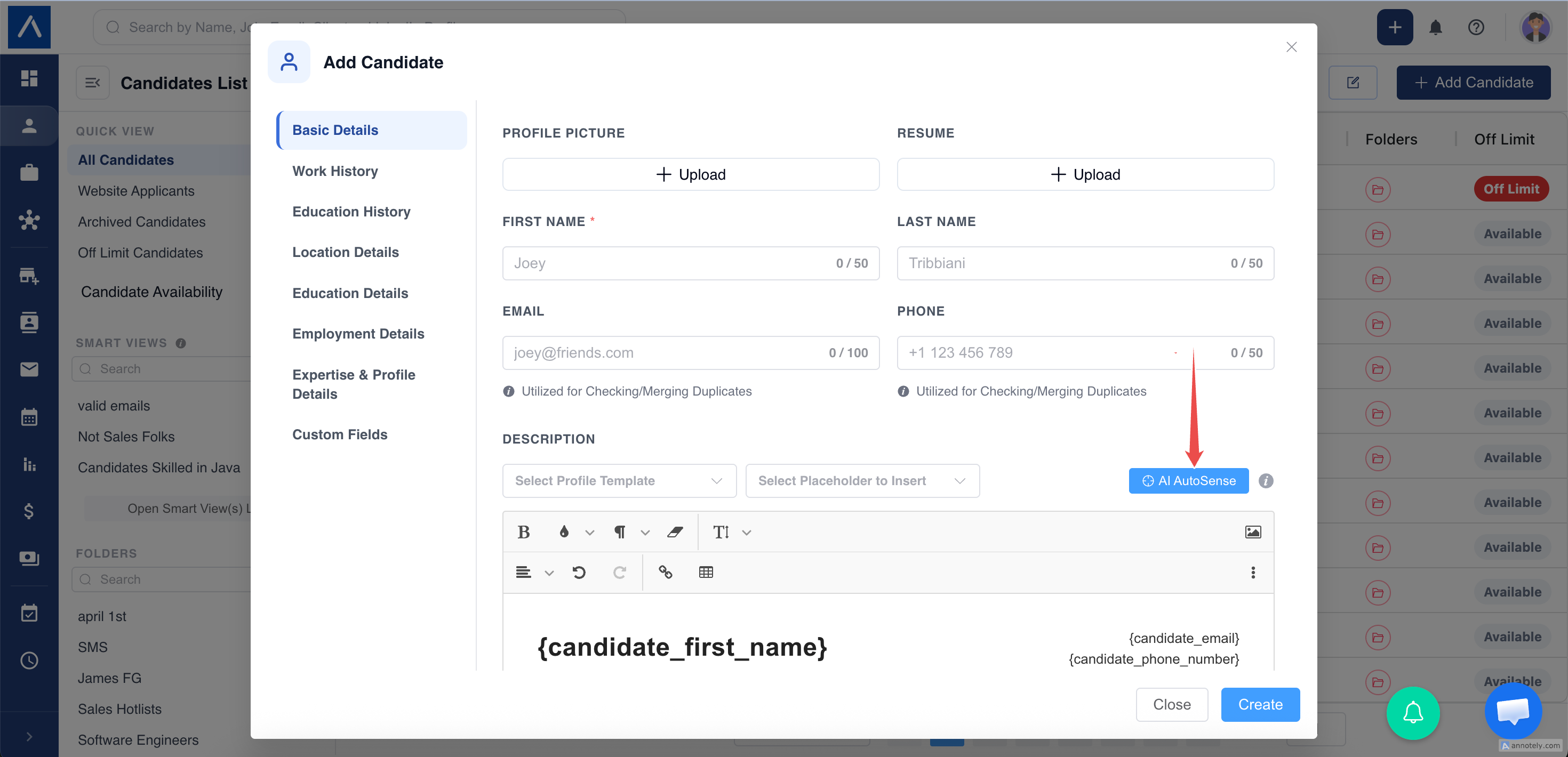
- Click AutoSense.
- Review the draft.
- Click Regenerate for another version if needed.
- Click Insert.
- Save the job.
What Happens After Insert
ATZ CRM sanitizes the generated HTML, clears the existing job description editor content, and inserts the new description.
You can edit manually before saving.
Best Practices
- Use a clear position name.
- Add location and required skills.
- Include salary and job type when relevant.
- Review for accuracy and compliance.
- Remove anything that does not match the real role.
Troubleshooting
Generator Does Not Open
Fill in Position Name first.
Description Is Too Broad
Add responsibilities, qualifications, location, and skills, then regenerate.
Generated Content Is Not Accurate
Edit the description before saving.
FAQs
Can the generated description improve matching?
Yes. More complete job descriptions can improve candidate matching quality.
Can I regenerate the description?
Yes. Regenerate before inserting if you want another version.
Should recruiters review the output?
Yes. Always review AI-generated job content before publishing or sharing.