
Why Use Job Application Forms
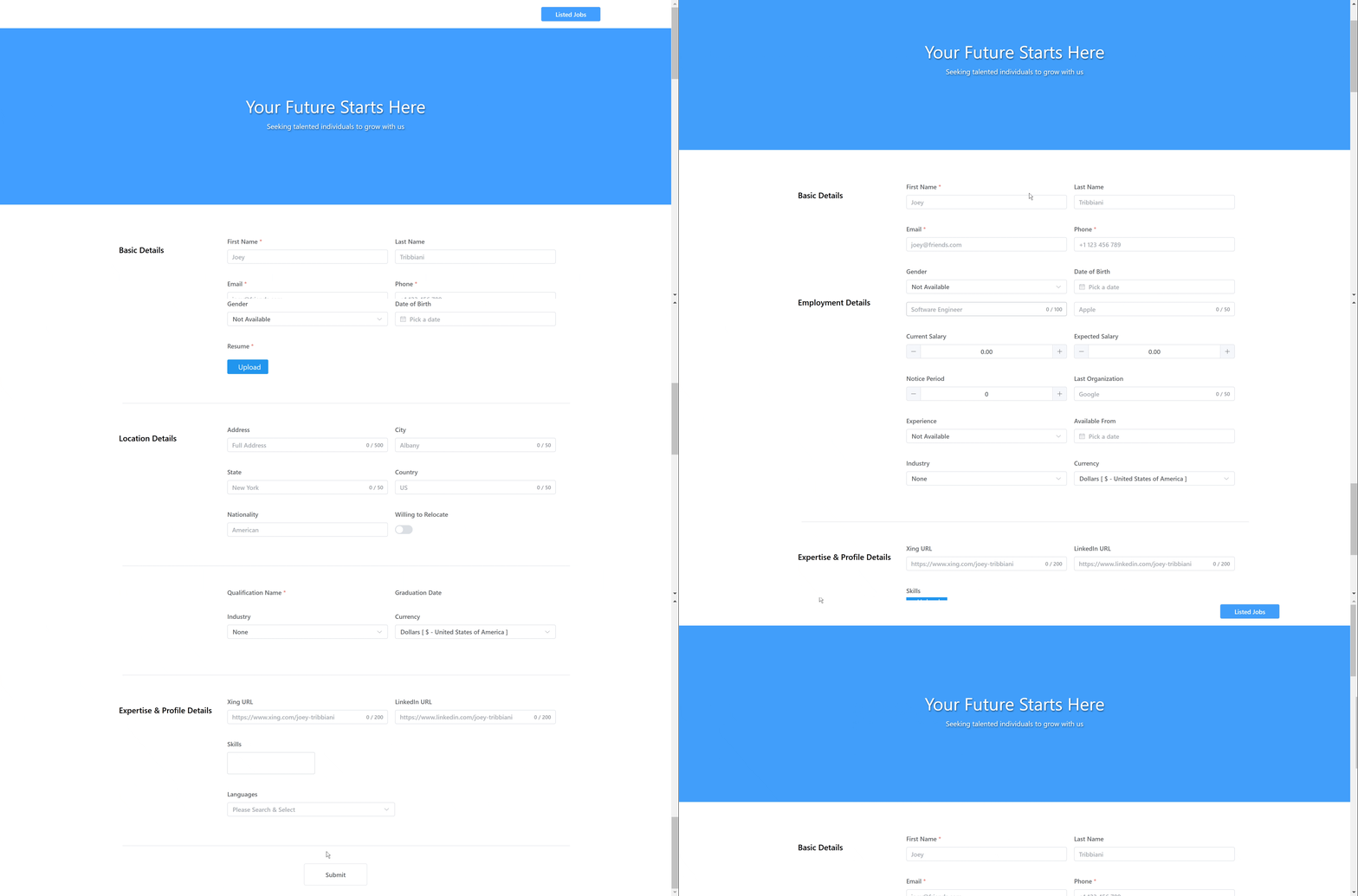
Job application forms help recruiters collect structured candidate information for a specific role. Instead of receiving inconsistent emails or messages, you can share one application link and let candidates submit their details directly into ATZ CRM.
This workflow helps you:
- Capture consistent candidate information.
- Attach resumes and documents to candidate records.
- Collect role-specific information such as skills, certifications, salary expectations, or availability.
- Save recruiter time by reducing manual entry.
- Track applicants from the relevant job pipeline.
Step 1: Open the Jobs Section
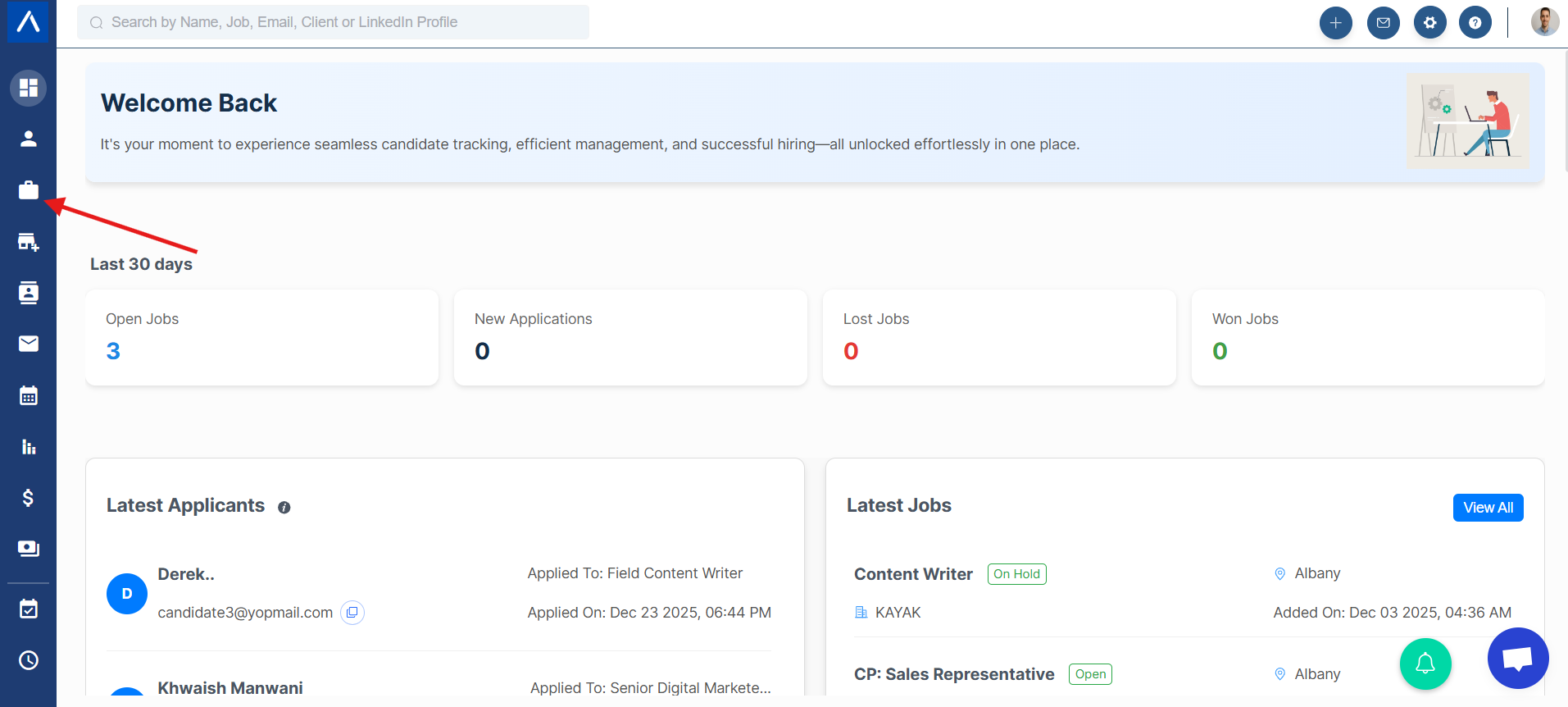
From the ATZ CRM dashboard, go to Jobs.
Step 2: Select the Job
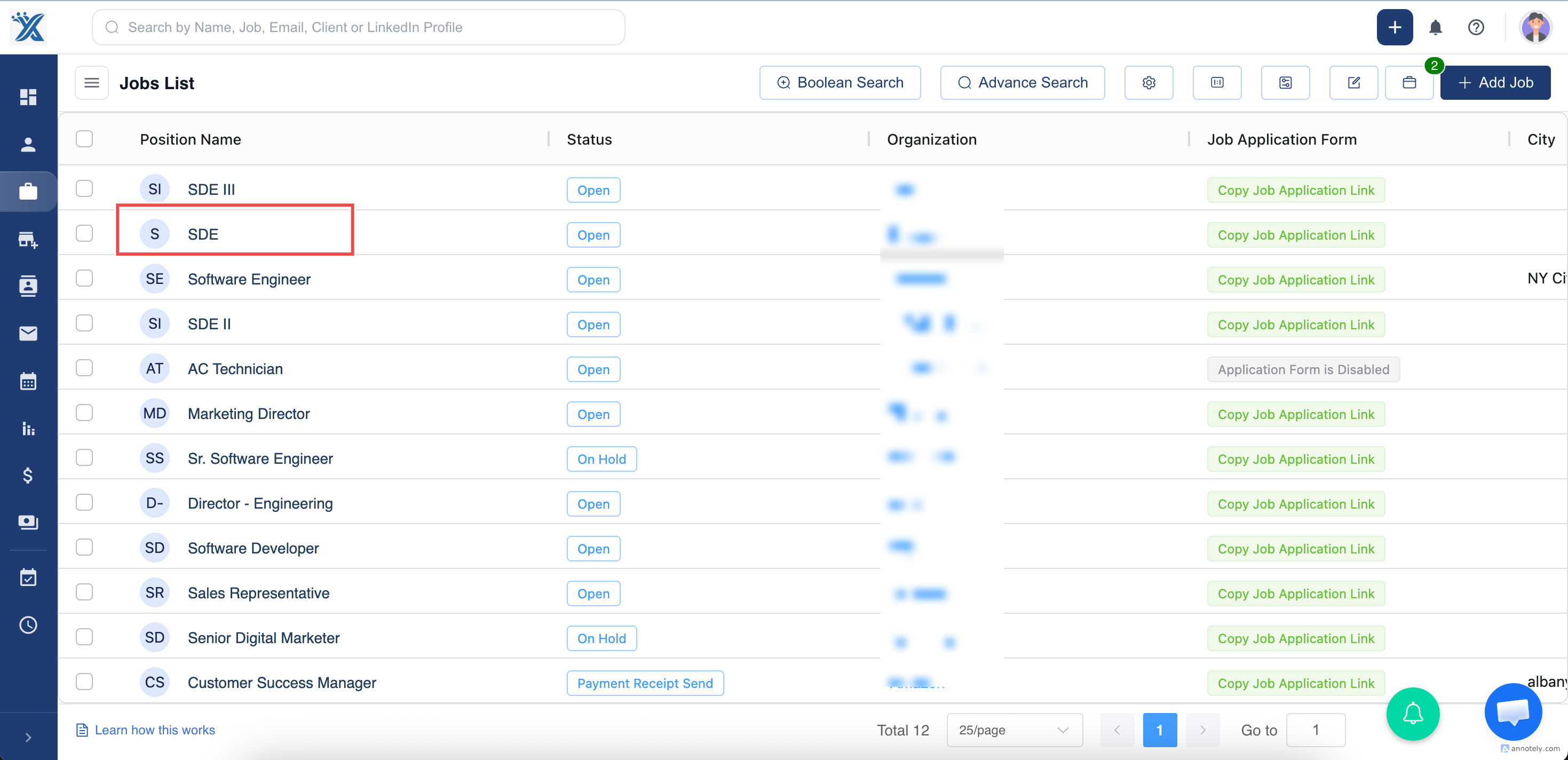
Open the job for which you want to create or share an application form.
Step 3: Enable the Job Application Form
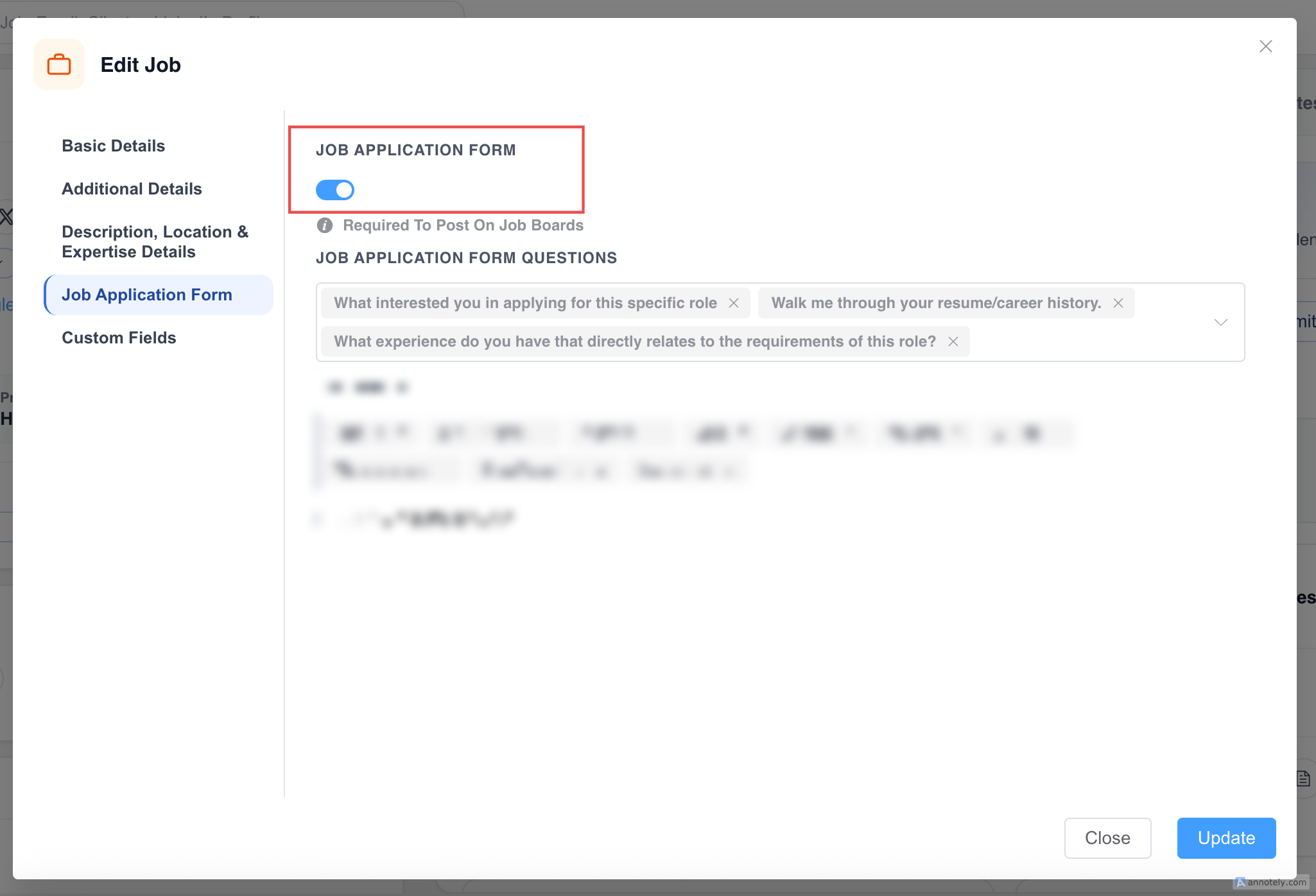
Open the job edit options and enable the Job Application Form toggle.
Step 4: Copy the Application Form Link
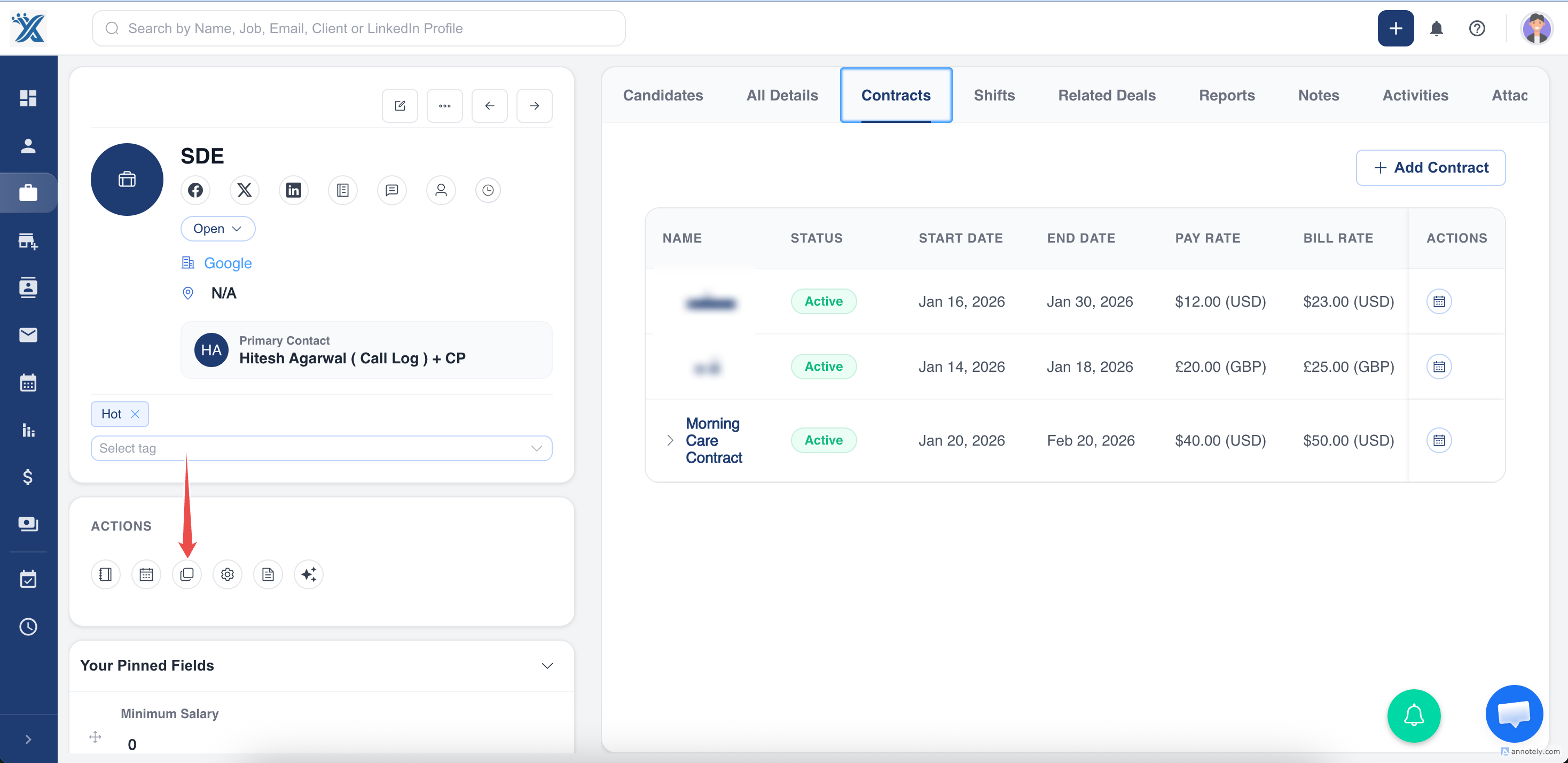
Copy the generated job application form link.
Step 5: Share the Link with Candidates
Share the link with candidates through email, job posts, social channels, or direct outreach.
Share the Form on Social Media
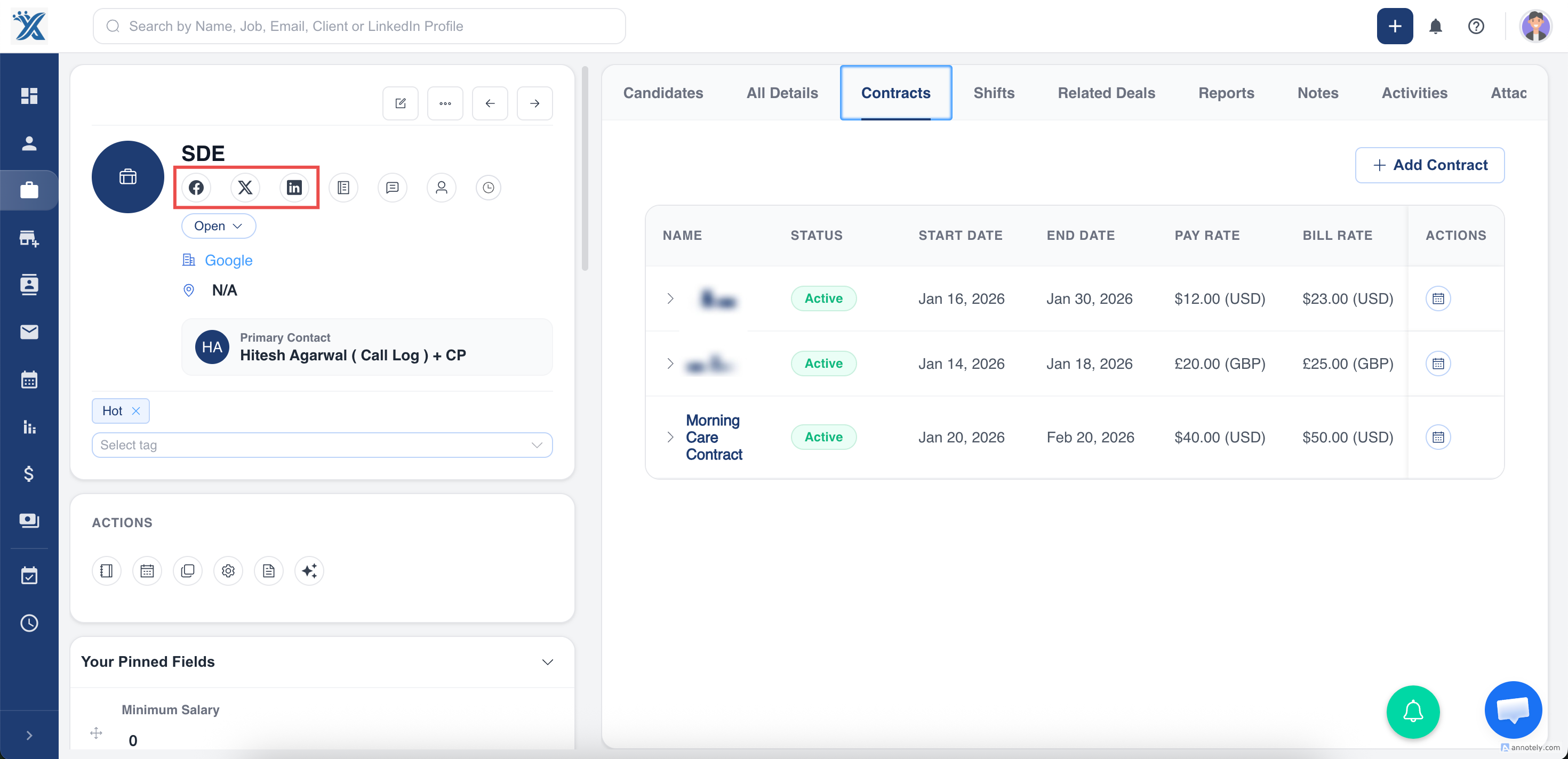
ATZ CRM also supports sharing the job application link through social channels. This helps you promote roles across Facebook, X, LinkedIn, and other sourcing channels while sending applicants into one structured workflow.
Use Cases
Public Job Promotion
Use the application form link in public job posts so candidates can apply without recruiter intervention.
Targeted Outreach
Send the form to prequalified candidates when you want structured responses for one role.
Social Sourcing
Share the link on social media to increase reach while keeping applications organized in ATZ CRM.
Troubleshooting
Candidates Cannot Access the Form
Check that the job application form toggle is enabled and that the copied link is complete.
Applications Are Missing Information
Review the job application form settings and screening questions to make sure required fields are configured.
Candidates Apply to the Wrong Job
Confirm that you copied the form link from the correct job record before sharing.
Frequently Asked Questions
Does the form create candidates automatically?
Yes. Submitted form details are registered in ATZ CRM and connected to the relevant job workflow.
Can I customize the information collected?
Yes. Use form and screening question settings to collect the information your hiring workflow needs.
Should I use the Candidate Portal instead?
Use job application forms for direct applications. Use the Candidate Portal when candidates need a broader self-service experience for profiles, applications, and updates.