
Ways to Post or Share a Job on LinkedIn
You can use LinkedIn with ATZ CRM in two practical ways:
- Post the job on LinkedIn and use the ATZ CRM application link as the external apply URL.
- Share the ATZ CRM job application page directly to LinkedIn from the job detail page.
Option 1: Use LinkedIn Job Posting with ATZ CRM Apply Link
Step 1: Log in to LinkedIn
Open LinkedIn and sign in.
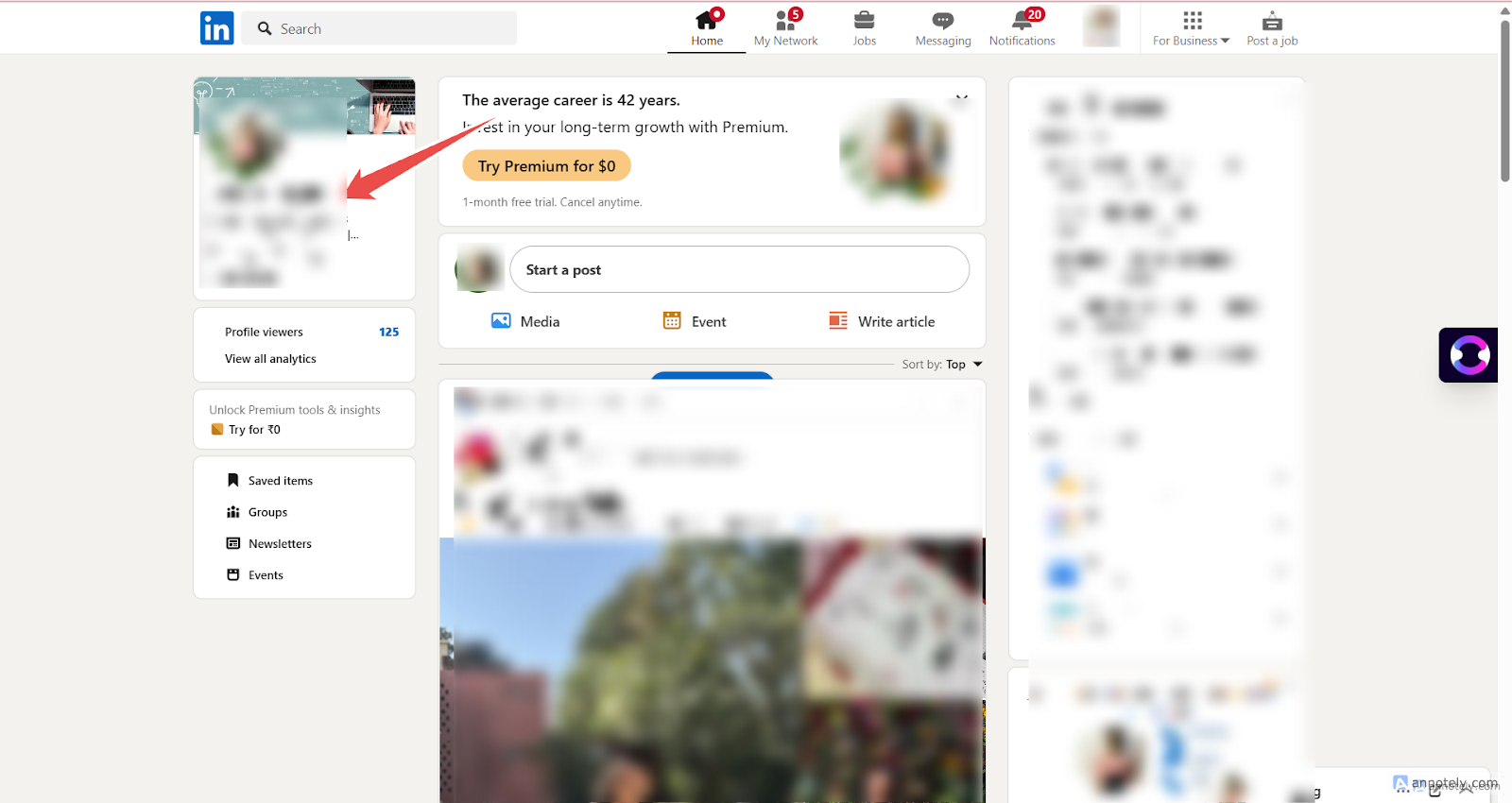
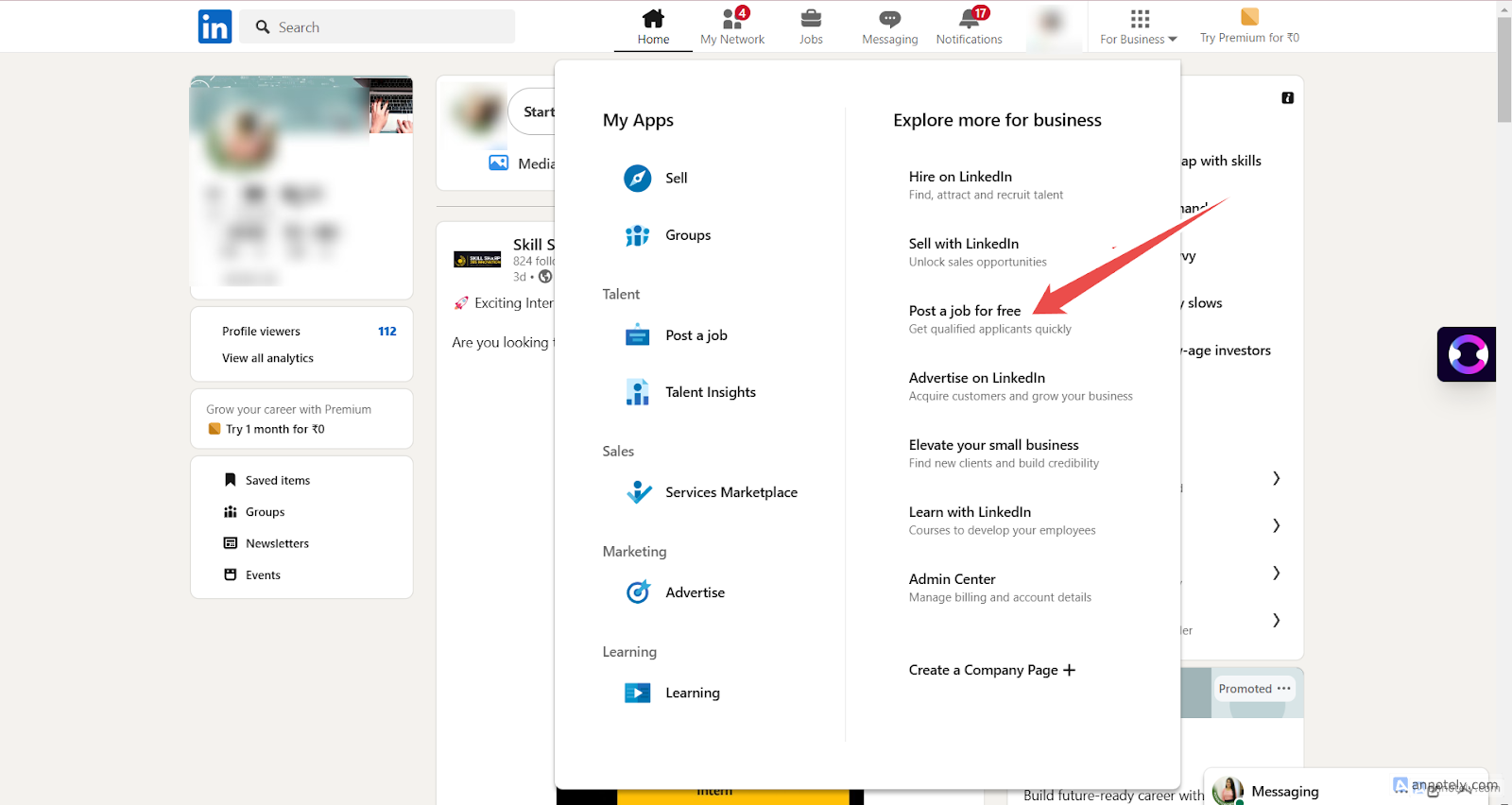
Step 2: Start a Free Job Post
Go to Jobs and select Post a Free Job.
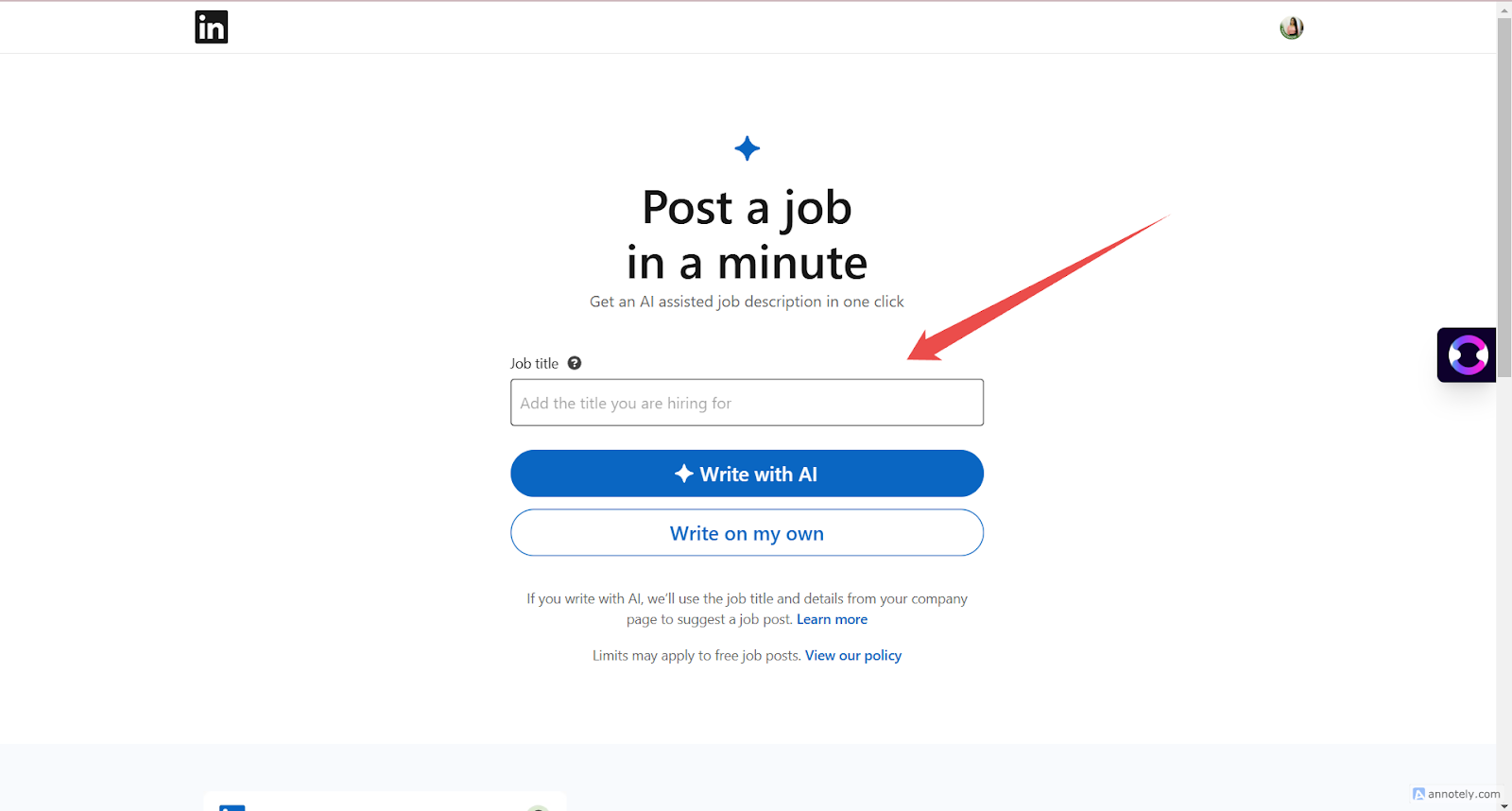
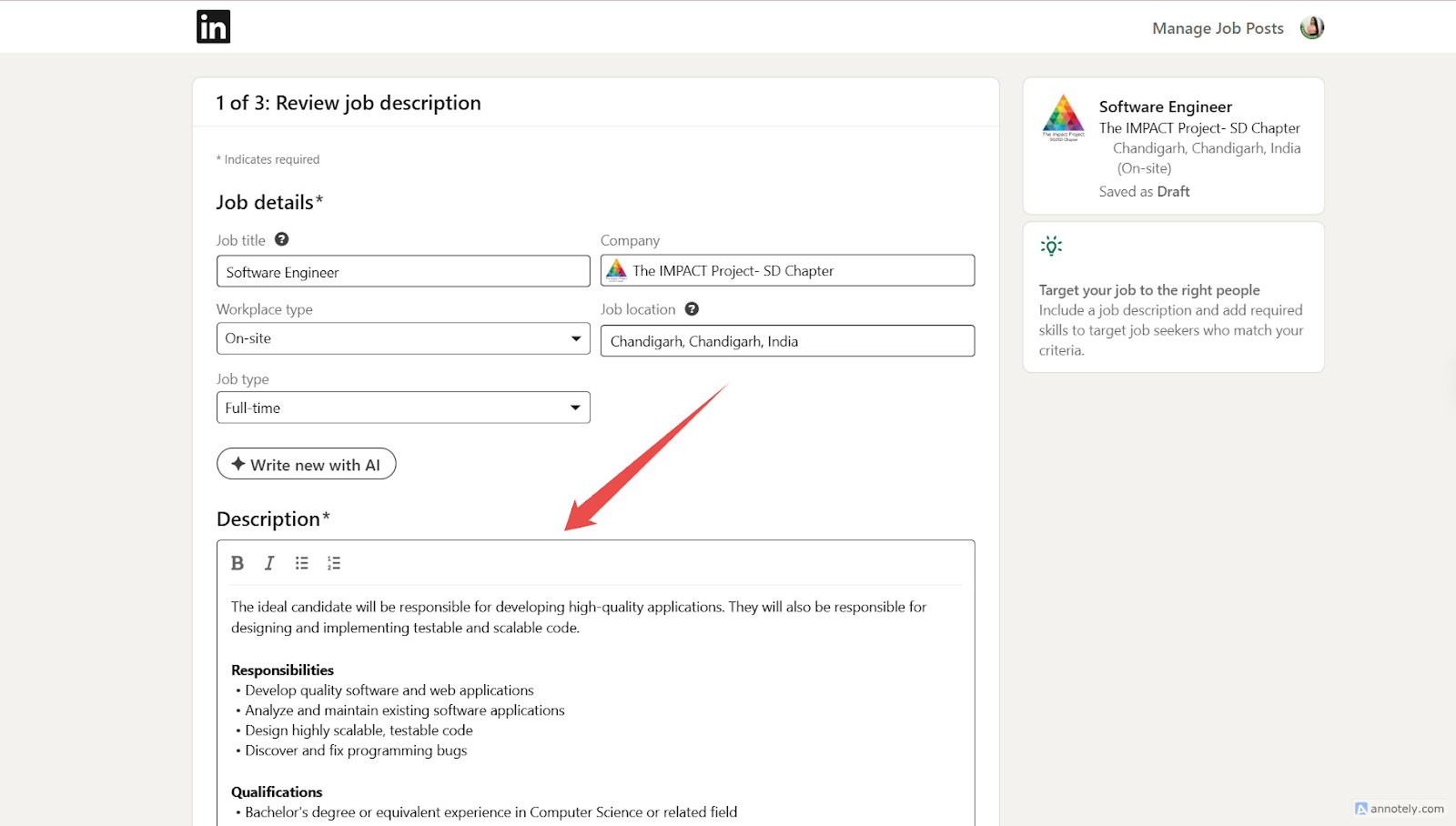
Step 3: Add or Generate the Job Description
Enter the job description or use LinkedIn’s available generation option, then continue.
Step 4: Choose External Website Apply
Choose the option that sends applicants to an external website.
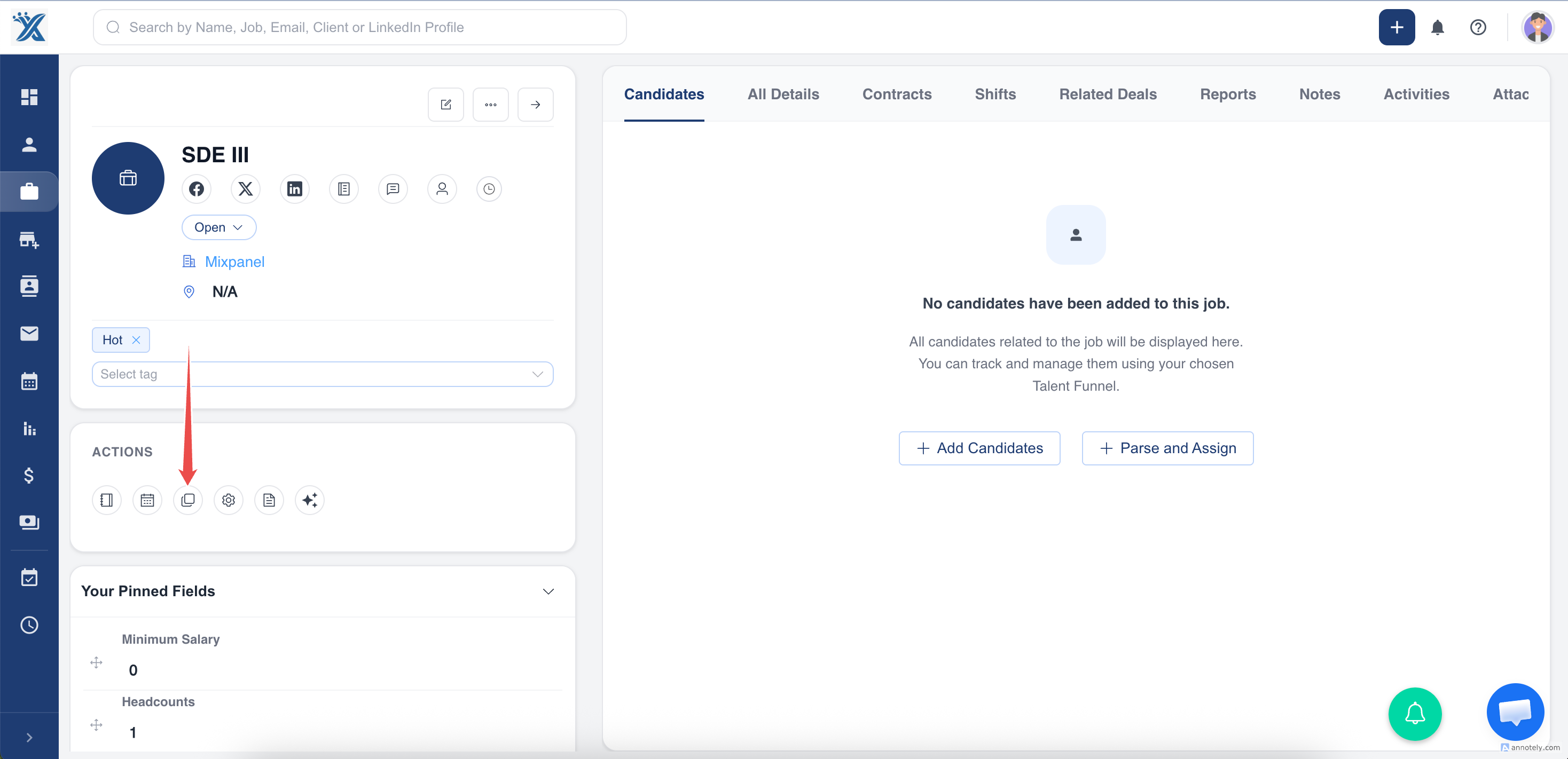
Step 5: Paste the ATZ CRM Job Application Link
Copy the job application link from ATZ CRM after the job is open and application form visibility is enabled. Paste it into LinkedIn’s applicant destination field.
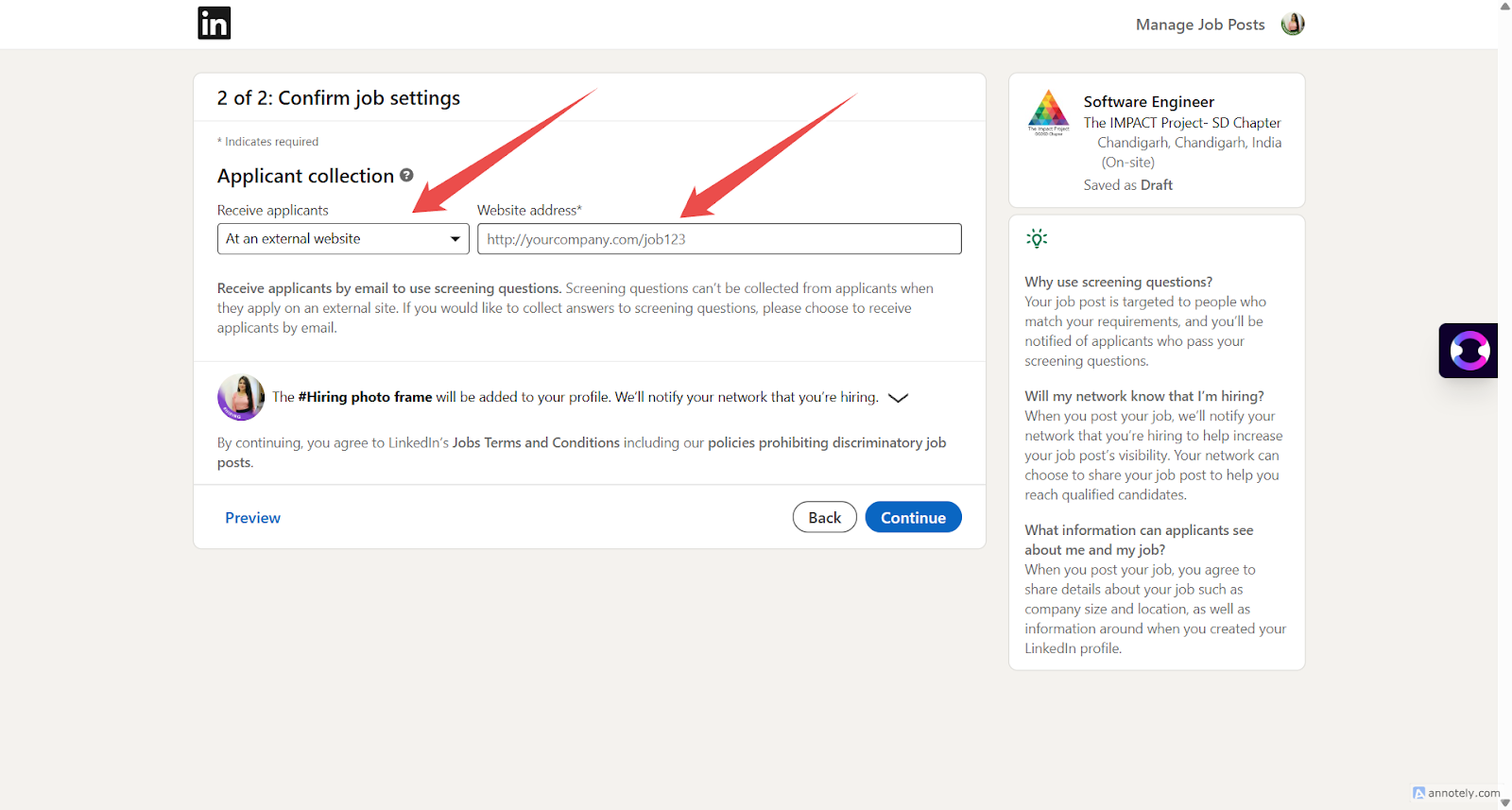
Step 6: Complete the LinkedIn Job Post
Fill job location, company name, job type, and remaining required fields. Continue to publish.
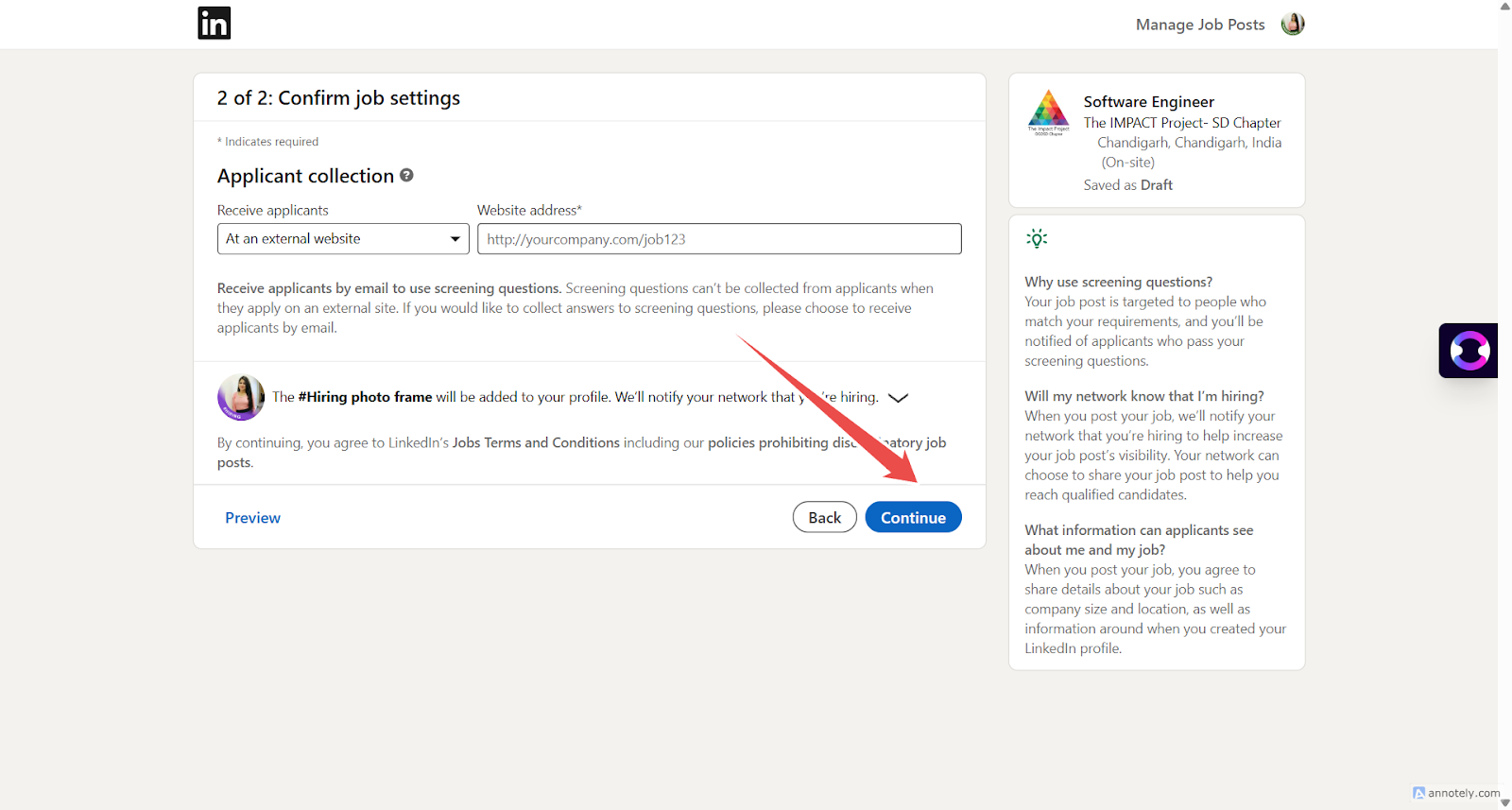
Step 7: Review Applicants in ATZ CRM
Candidates who apply through the ATZ CRM link appear in the Candidate section.
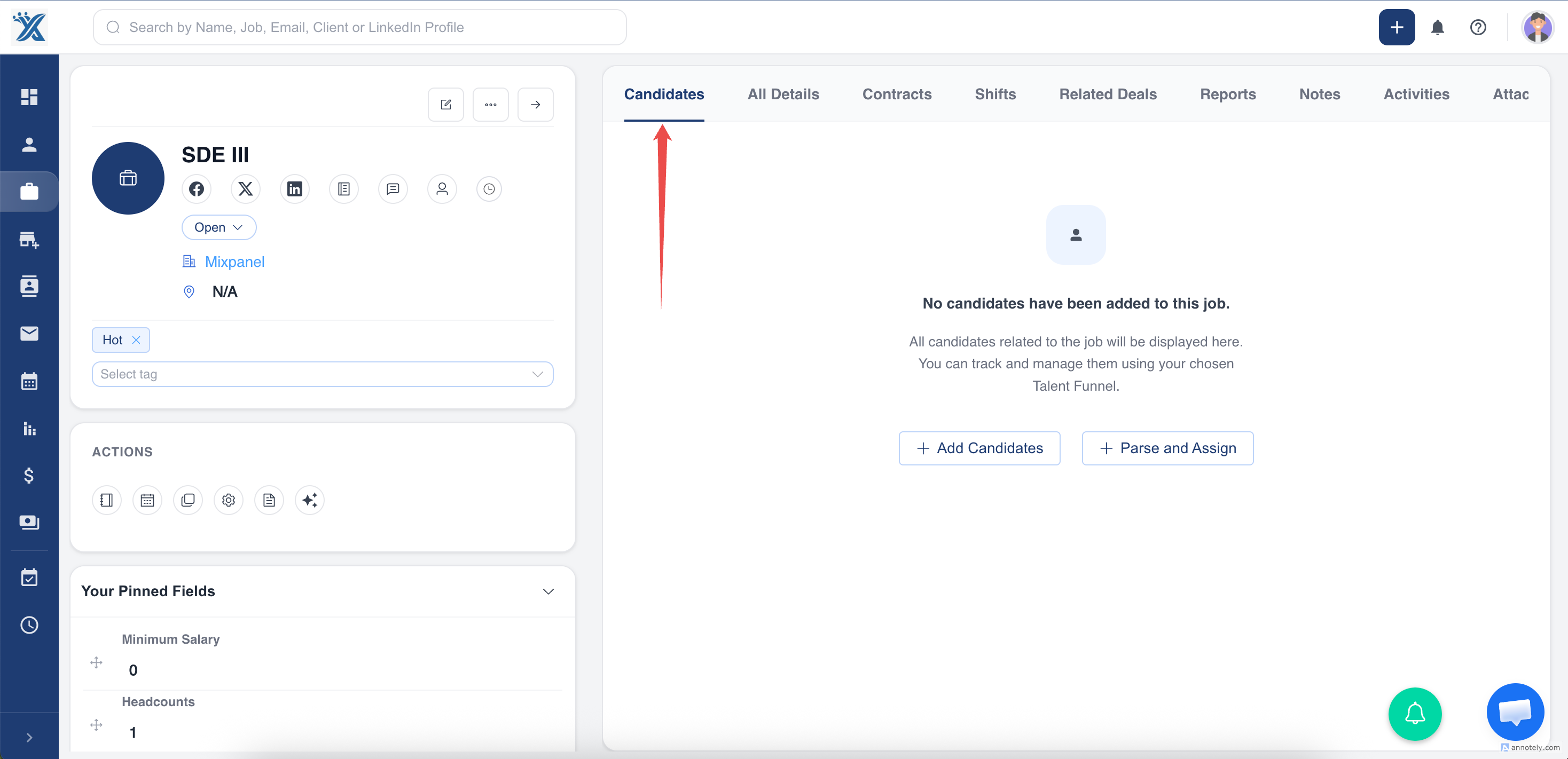
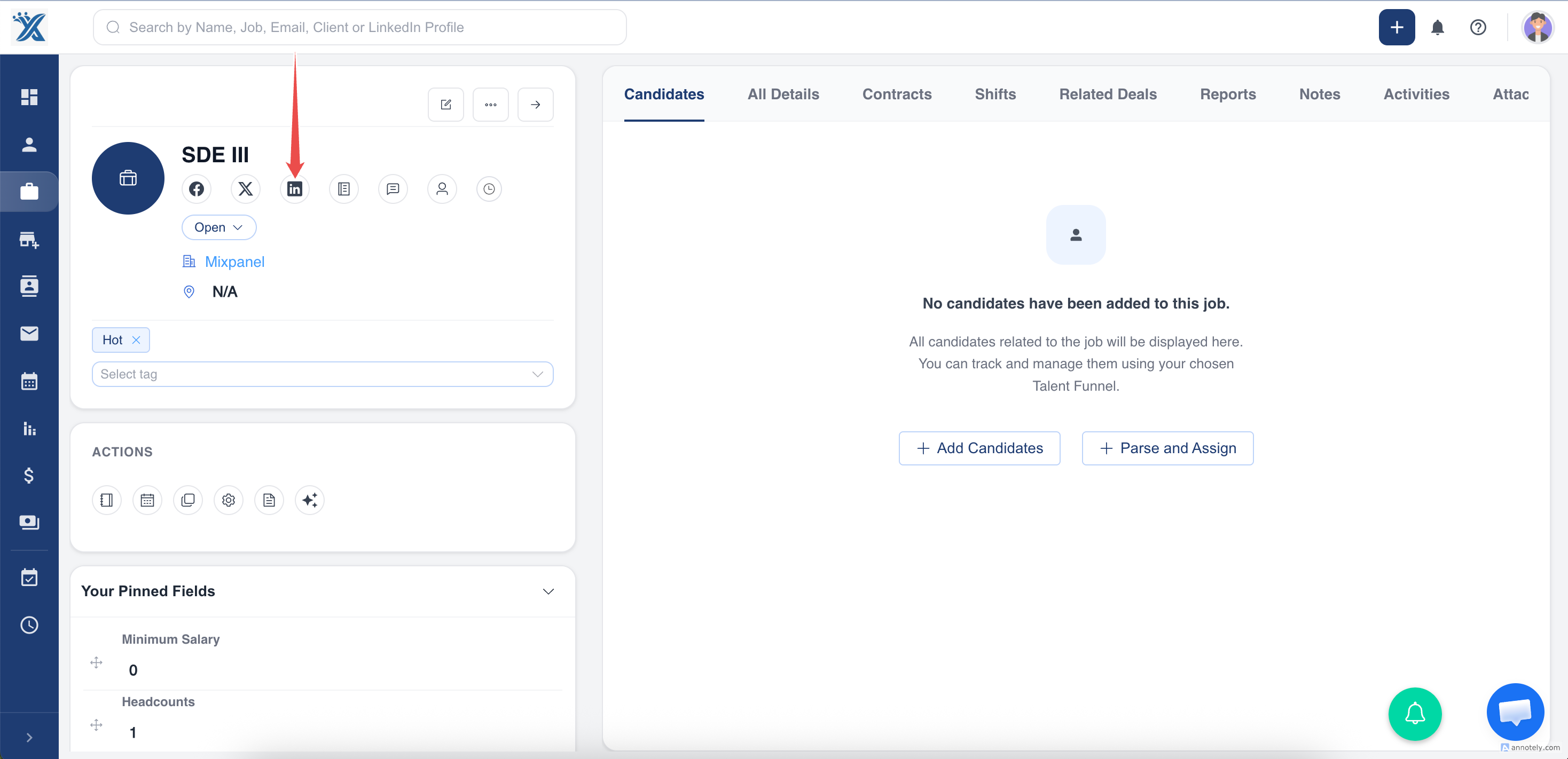
Option 2: Share a Job from ATZ CRM to LinkedIn
- Log in to ATZ CRM.
- Open Jobs and select the job.
- Confirm the job application form is enabled.
- Select Share.
- Add a description or message.
- Post to LinkedIn.
Use Cases
Track LinkedIn Applicants in ATZ CRM
Use the application link so LinkedIn applicants become candidate records in your CRM workflow.
Fast Social Sharing
Use the ATZ CRM share button when you want to promote an existing job to your LinkedIn feed.
Consistent Application Data
Route applicants through ATZ CRM forms so required fields and screening questions are captured.
Troubleshooting
Applicants Are Not Appearing in ATZ CRM
Confirm the LinkedIn post uses the ATZ CRM application link and not LinkedIn’s native apply flow.
The Application Link Is Missing
Open the job in ATZ CRM and enable the job application form.
LinkedIn Rejects or Holds the Post
Review LinkedIn’s job posting requirements, job title, description, company details, and apply URL.
Frequently Asked Questions
Can I use LinkedIn’s native apply flow?
You can, but applicants may not flow directly into ATZ CRM. Use the ATZ CRM external apply link for CRM tracking.
Can I share the same job more than once?
Yes, but keep job board and social platform duplicate-content rules in mind.
Should I use screening questions?
Yes, when you need structured candidate responses before review.